SUMMARY:
This issue has been classified as a defect by Strategy. The impact is limited to Warehouse Catalog browser. When a user is trying to delete too many tables or tables with long names from Warehouse Catalog and these tables have dependent objects, the radio buttons in the warning window that is displayed will extend beyond the visible area of the display. If this happens, the user has no choice but to end the process in Windows Task Manager and then try to delete less amount of table each time.
SYMPTOM:
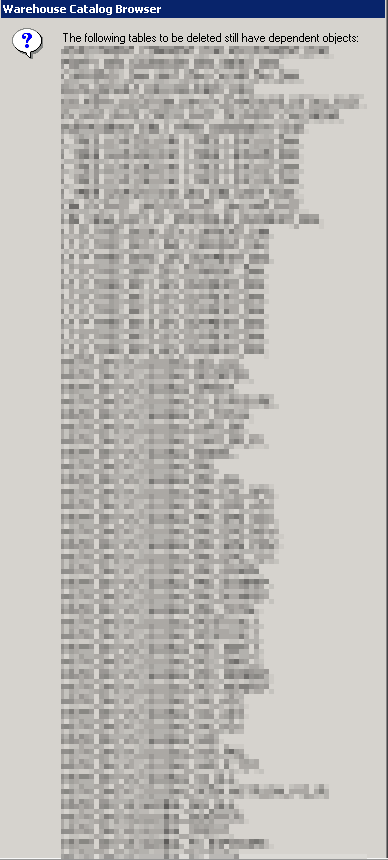
When removing a large amount of tables or tables with long names from Warehouse Catalog that still have dependents, a warning window is displayed as expected. If the length of all the names of all the tables listed in the warning window is large, sometimes the warning window will not display properly depending on the size of the monitor viewing Warehouse Catalog.
STEPS TO REPRODUCE
A normal error message is as follows (take note the OK and Cancel buttons are clearly visible and usable):

If more tables are added or the names become longer, the following behavior is seen (note that the list continues past the bottom of the screen):
CAUSE:
This is a known issue in Strategy Developer 9.x.
ACTION:
Currently this issue is still being reviewed for feasibility by our Technology team and it is not scoped for any upcoming scheduled Strategy release
WORKAROUND:
To work around this behavior, either remove a fewer number of tables at a time or use a taller monitor to view Warehouse Catalog.
The Strategy Internal Reference Number for the issue discussed in this technical note is 1008150.
