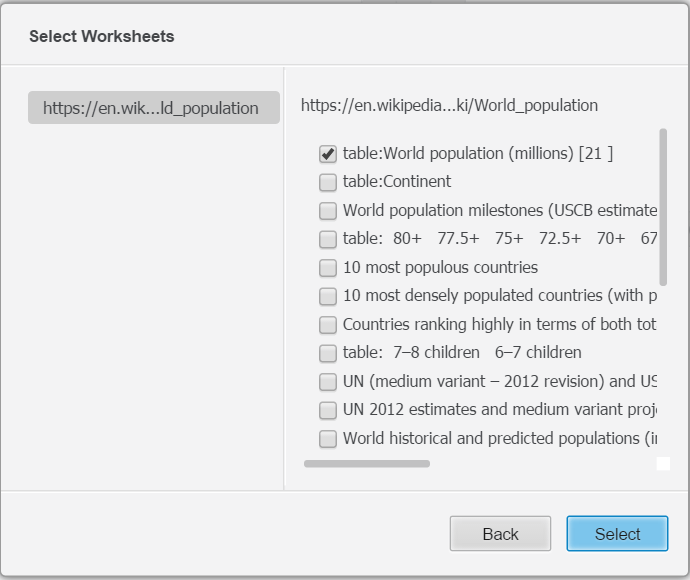
In Strategy Web 10, a new feature--Web Scraping is introduced to scrape tables from web pages by specifying URL in "File from URL" connector when doing Data Import.
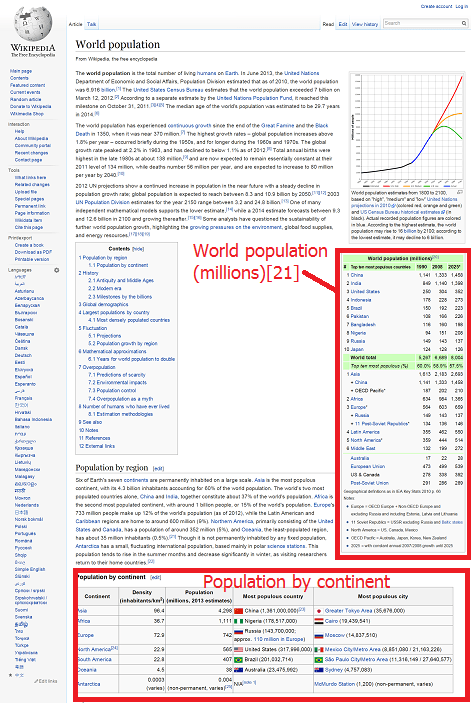
In the import "File from URL" window, put a URL to a web page which contains at least one table, e.g. below wiki link contains several tables in the web page, as shown below:
https://en.wikipedia.org/wiki/World_population
Strategy Web is able to scrape the tables from this web page, and list them as option for data import, as shown below: