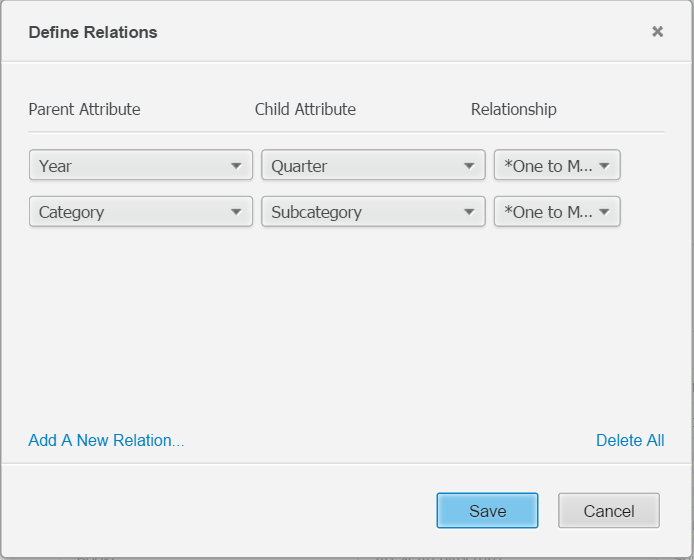
In Strategy Web 10, in the Data Preview window, users have the option to change and define new parent-child relationships (1:1, 1:Many and Many:Many) between columns in a table.
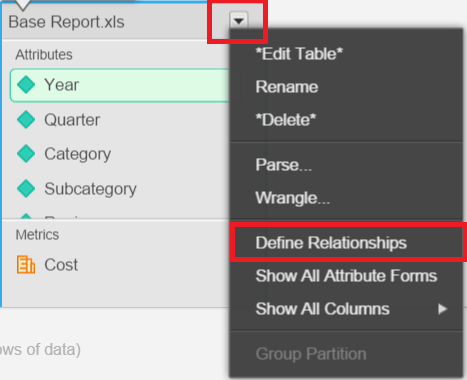
To use this feature, in Data Preview page, click the downward arrow beside table name, chose "Define Relationships" as shown below:
In the Define Relationship window, user is able to create/delete/modify new parent-child relationship between the attributes: