In Strategy Web 10, during Data Import, users are able to choose "Connect Live" data sources, which is also known as "Direct Data Access" function, as shown below:
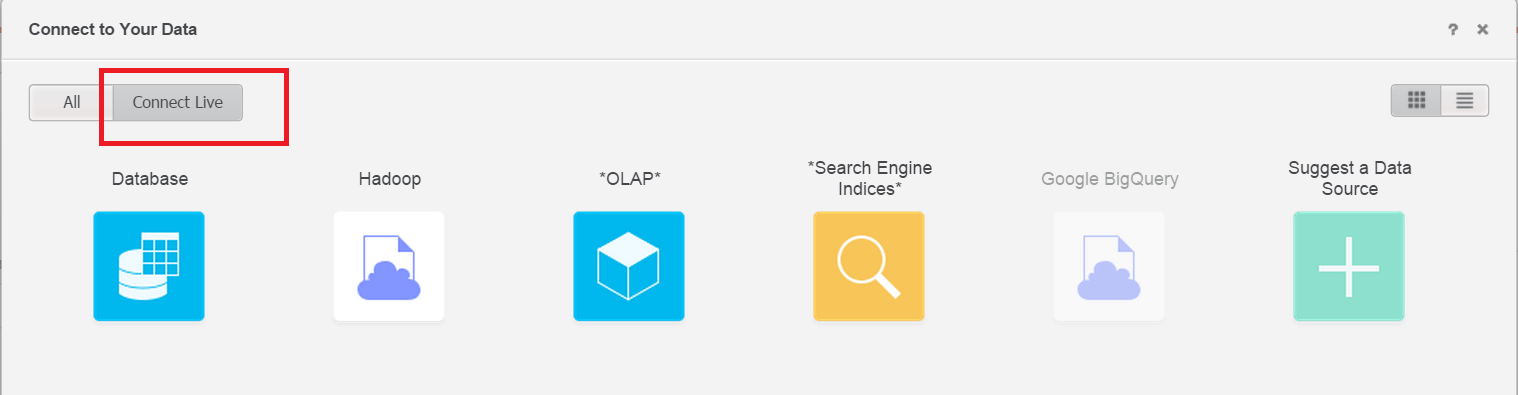
This allows users to connect to the data sources directly when build a Dashboard. It involves only fetching a portion of the data that the user wants, instead of storing all data in-memory as a normal Intelligent Cube. It is especially useful when data source contains huge data amount. Because Direct Data Access cubes do not save data in-memory, every manipulation in Dashboard or Report Service document will require a fetching of data. User should take performance into consideration when using Direct Data Access.
Direct Data Access function is limited to data from a single source and cannot combine data from multiple sources at the dataset level.
Currently, direct Data access datasets can be created for:
KB236043
