SUMMARY:
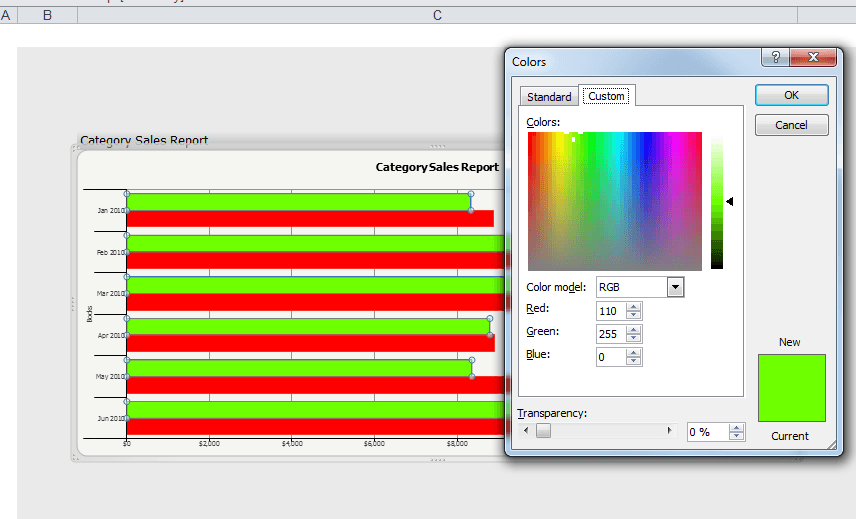
This Technical Note describes how colors are not consistent in Strategy 9.4.1 and Strategy Office 9.4.1 when importing a graph as a LiveChart that uses a a fill color a from the gradient. This color is outside the basic color palette. This is a known defect with MSTR 9.4.1. There is a workaround discussed.
SYMPTOM:
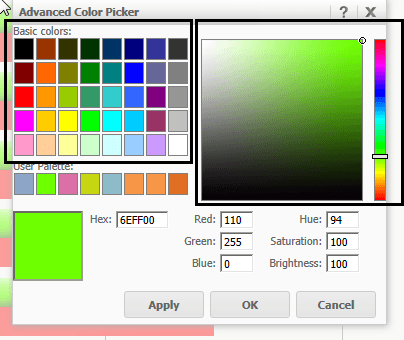
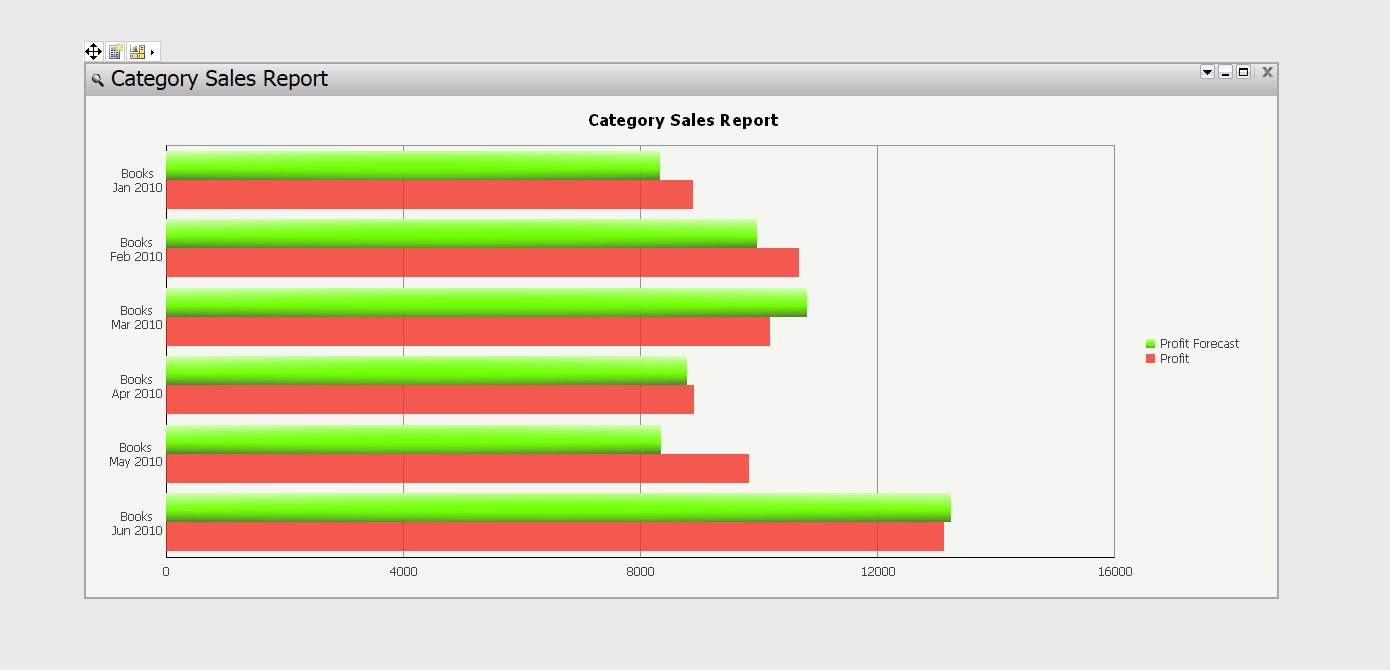
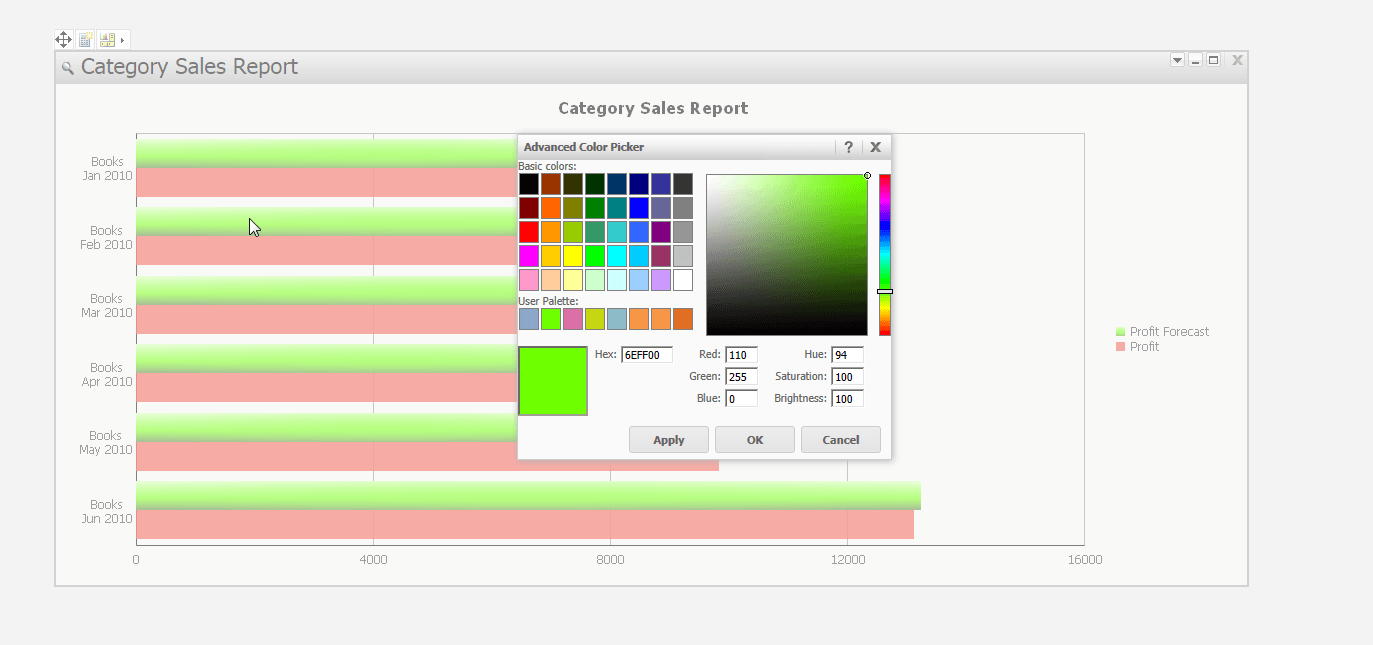
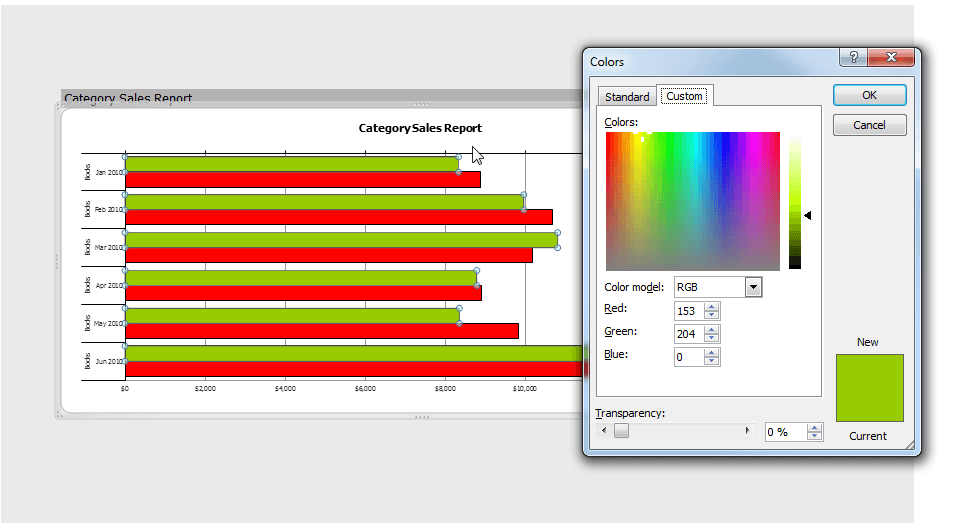
When creating a bar graph on a Report Services Document, users can choose the fill color for the bars. The colors available can be from the Basic Color Palatte or a color from the gradient, as seen below.
When a user chooses a color from the gradient, and imports the document to Strategy Office 9.4.1 via the Office Plugin, the colors are not consistent.
STEPS TO REPRODUCE:
CAUSE:
This is a known issue in Strategy Office 9.4.1.
ACTION:
Currently this issue is still being reviewed by our Technology team and it is not currently scoped for any upcoming scheduled Strategy release.
WORKAROUND:
Export to Excel directly from Strategy Web 9.4.1 for the colors to export correctly. Make sure the MicroStraegy Web preference for "Export Reports" is set to 'Allow Strategy Office to refresh Reports after exporting.' See image below for the correct colors.