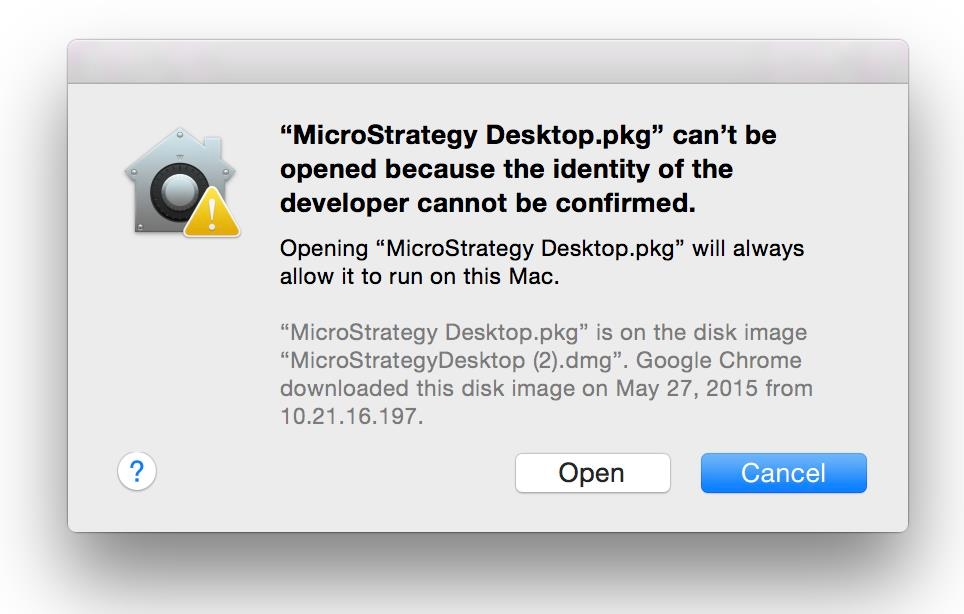
When attempting to install the Strategy Desktop application on MacOS, the following error may occur:
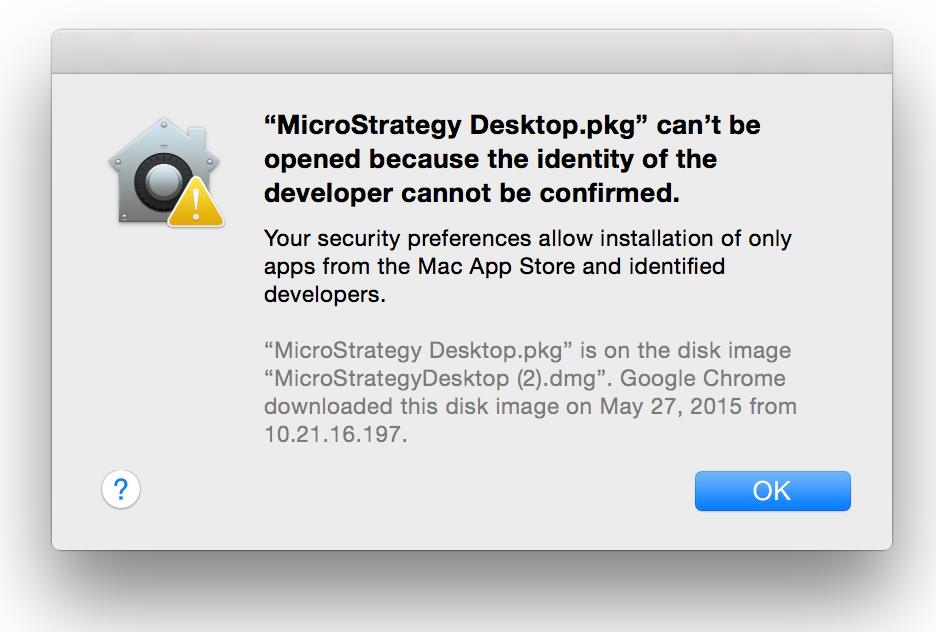
The Strategy Desktop application requires an installation package to run on the machine in order to install the necessary components. The message occurs because the MacOS gateway functionality does not recognize the Integrated Packaging Environment Strategy used to generate the .pkg file. As a result, it provides this message and initially prevents users from running it.
In order to install Strategy Desktop when encountering this message, users will need to have/provide administrator privileges on the MacOS machine. If this can be satisfied, users can follow the below steps in order to disable the Gateway functionality:
If users do not wish to modify these settings or do not have the required administrator privileges, the issue can also be avoided by right-mouse clicking in the Strategy Desktop.pkg file and selecting "Open" from the menu. This will show the following warning message, which can then be dismissed by clicking 'Open'.