SYMPTOMS:
When re-prompting a report, the formatting applied on all metrics values as of the second metric column is lost and, all metrics are formatted with the formatting applied on the first metric column in Strategy Secure Enterprise 9.x and 10.x. column.
STEPS TO REPRODUCE:
In the Tutorial Project:
1 - Create an Object Prompt and add some metrics like:
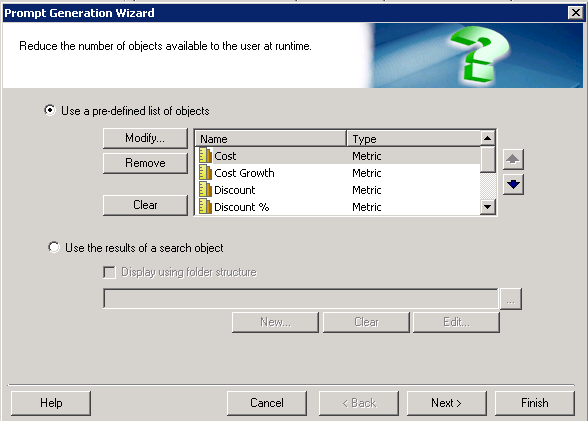
2 - Create a report and add Category in the rows and the Object Prompt in the columns
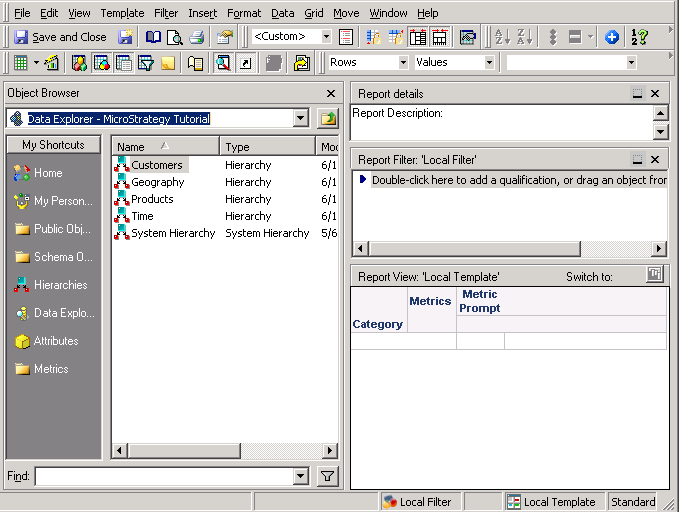
3 - Execute the report and apply some changes on the Metrics values formatting, i.e.:
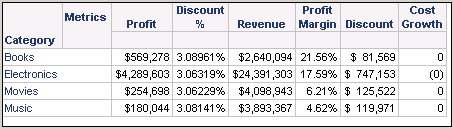
4 - Re-prompt the report and remove or add some metrics. In this case the metric Profit was removed and the metric Cost added, so the formatting applied previously was not kept:

CAUSE:
This is an identified defect in Strategy Secure Enterprise 9.x and 10.x
ACTION:
Contact Strategy Technical Support for an update on the status of the issue. Currently this issue is still being reviewed for feasibility by our Technology team and it is not scoped for any upcoming scheduled Strategy release.
WORKAROUND:
Set all metrics values formatting as <defautl>:
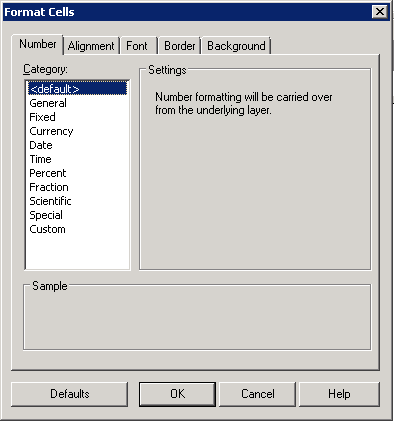
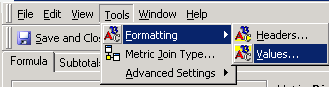
Then change the Metric value formatting directly in the metric editor in Tools > Formatting > Values