SUMMARY:
In Strategy 10, when administrators try to grant the “Use Strategy Desktop” to a user, user group, or security role they get the error message “Disable privileges cannot be granted”. This document explains the cause of this issue and how it can be resolved.
SYMPTOM:
In Strategy 10, when an administrator user tries to grant the “Use Strategy Desktop” privilege to a user, user group, or security role, they get the following error message:

Disabled privileges cannot be granted
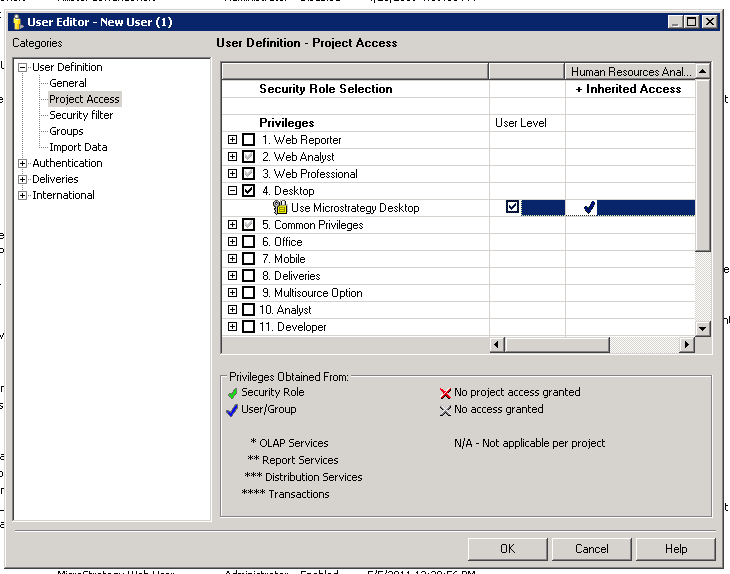
If a user wants users to be able to use Strategy Developer, they will need the “Use Developer” located under the Analyst privileges.
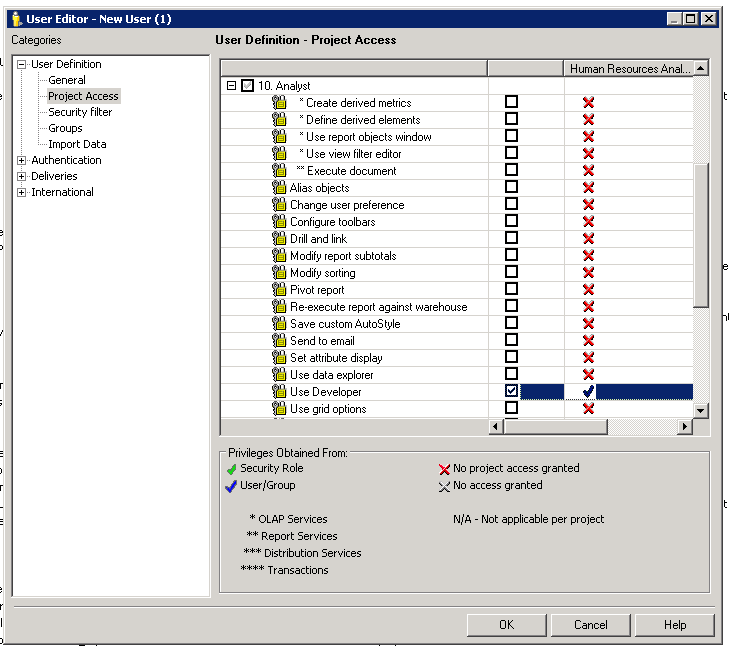
Note: In Strategy 9.3.1 and prior versions, Strategy Developer was referred to as Strategy Desktop.
