With Strategy, users have the ability to access, import, and analyze data from a wide variety of disparate data sources, such as relational databases, big data platforms, flat files, and cloud sources. When logged in to a Strategy environment, some users may encounter an error when trying to add data from an external source that does not yet exist within the Strategy environment. Specifically, these users will encounter the error message below:
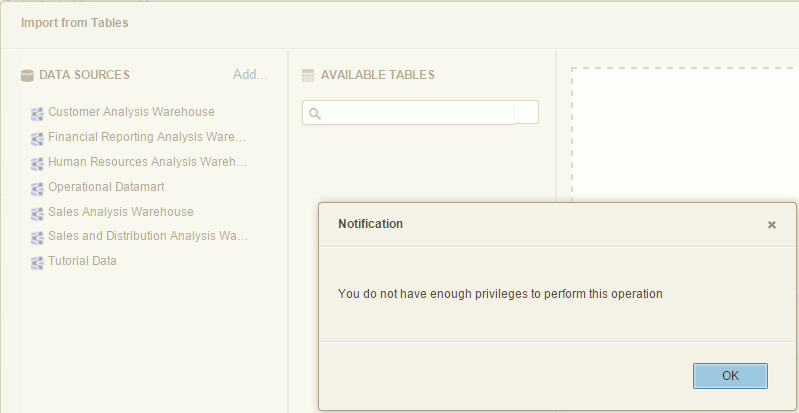
"You do not have enough privileges to perform this operation"
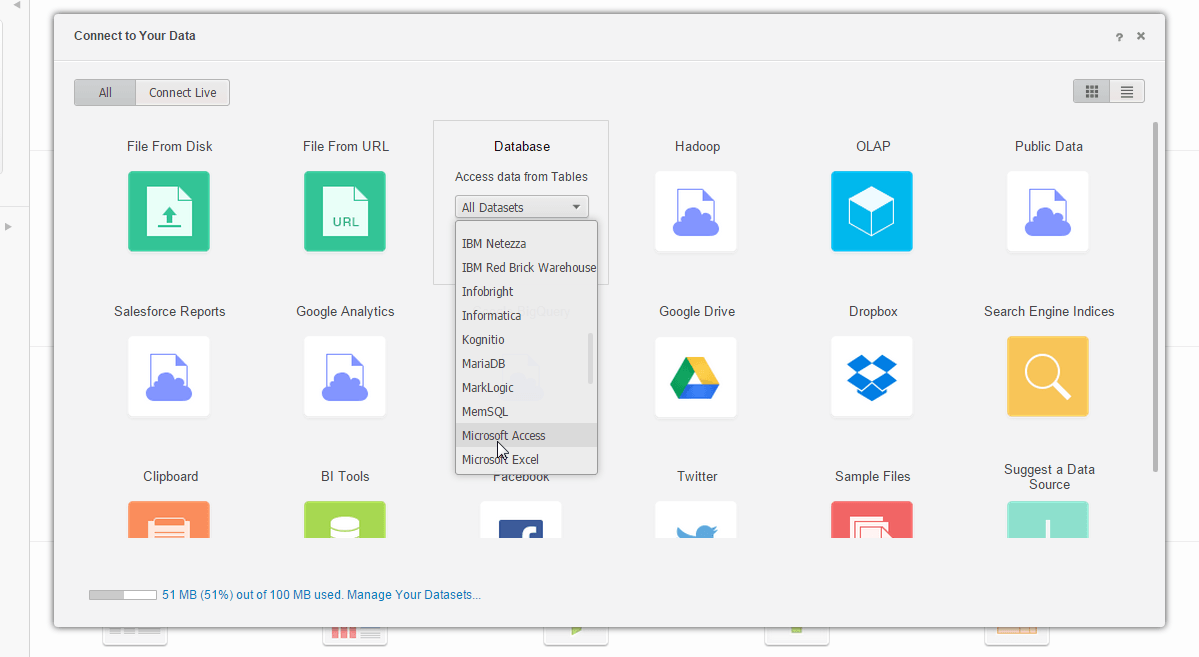
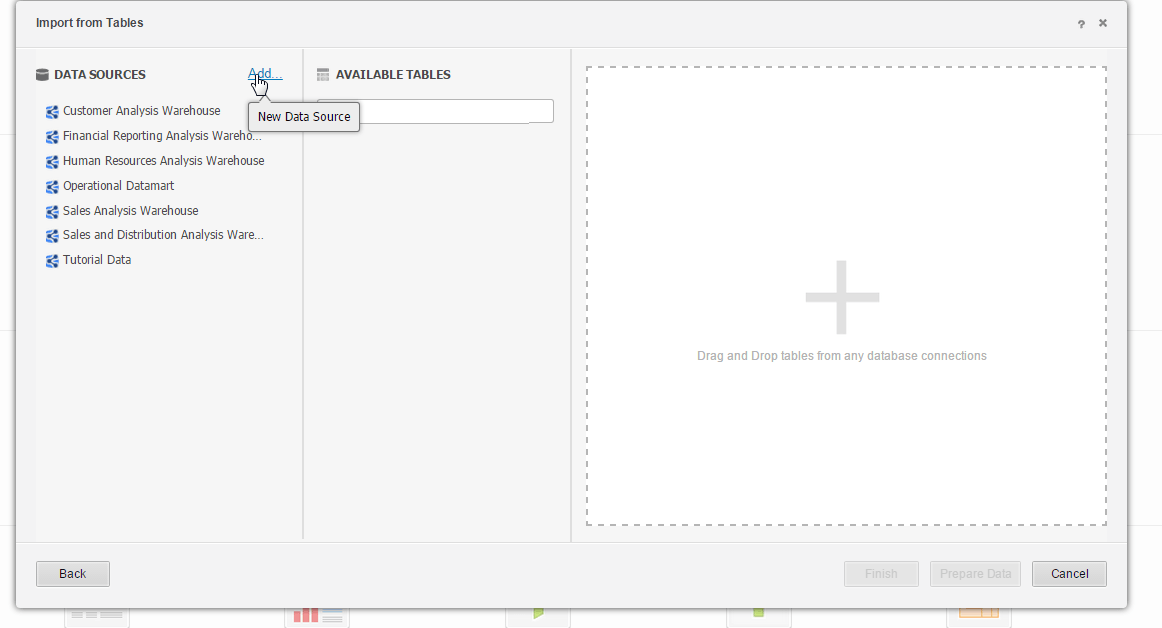
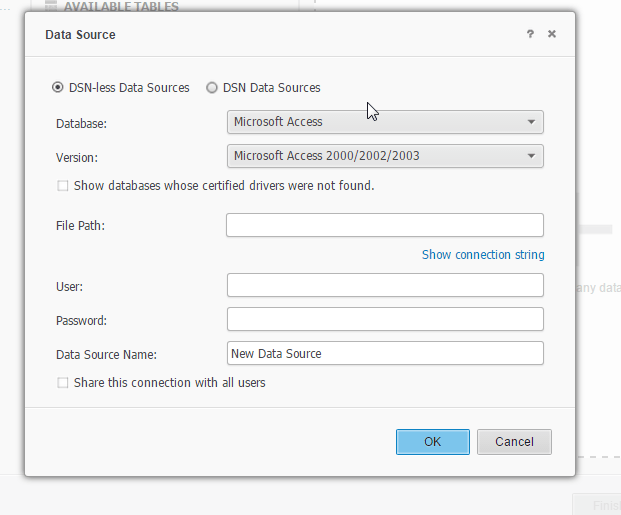
While enabling all privileges for Web Reporter, Web Analyst, and Web Professional includes the user privilege "Access data from Databases, Google BigQuery, BigData, OLAP, BI tools," this privilege controls being able to import data that exists within such sources. However, the specific process of adding a new data source as is attempted in Step 5 above is creating a new Database Instance object in the Strategy environment. In order to perform this type of action, privileges within the Administrator category are required.
In order to define new connections to data sources through Strategy Web/Desktop/Workstation, users will also need the privilege for 'Create and edit database instances and connections.' Using Strategy Developer, enable this privilege for the user(s) (or user group) that should be permitted to define new data source connections. This particular privilege should be available within the 'Administrator' license type (or in Strategy 2019, the 'Server - Intelligence' license type.
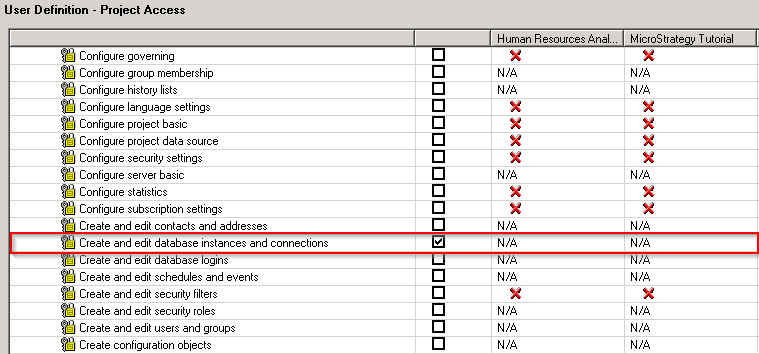
After enabling this privilege, the user will no longer hit the above error message and will be able to move forward with adding data into Strategy.
Note:
The privilege for "Create and edit database instances and connections" is a "Server level only” privilege. As such, it can only be granted at the project source level, so it needs to be given to users and user groups, not security roles.
KB248468
List of all Privileges
Privileges by License Type
