SUMMARY:
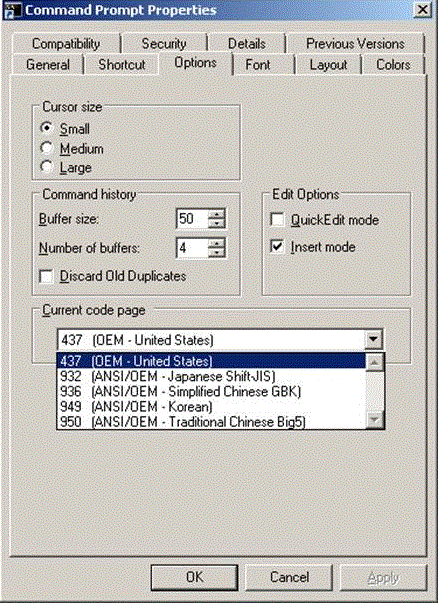
This article shows a known issue that "HEALTHCENTER: Failed to connect to HealthCenter: 44440" error message appears when attempting to create environment in Strategy Operations Manager 10 in a Chinese Windows Environment. The workaround is to set Current code page to 403 in Command Prompt Properties.
SYMPTOM:
"HEALTHCENTER: Failed to connect to HealthCenter: 44440" error message appears when attempting to create environment in Strategy Operations Manager 10 in a Chinese Windows Environment:

HEALTHCENTER: Failed to connect to HealthCenter: 44440.

ACTION:
Operations Manager is going to be deprecated, therefore fixing this issue is not part of the roadmap.
WORKAROUND:

3. Change display language back to Chinese.