EducationSoftwareStrategy.com
StrategyCommunity

Knowledge Base

Product

Community

Knowledge Base

TopicsBrowse ArticlesDeveloper Zone

Product

Download SoftwareProduct DocumentationSecurity Hub

Education

Tutorial VideosSolution GalleryEducation courses

Community

GuidelinesGrandmastersEvents
x_social-icon_white.svglinkedin_social-icon_white.svg
Strategy logoCommunity

© Strategy Inc. All Rights Reserved.

LegalTerms of UsePrivacy Policy
  1. Home
  2. Topics

KB248753: How To Change The Background Color Of The Unused Area Of A Document In Express View Mode Using MicroStrategy Web SDK


Community Admin

• Strategy


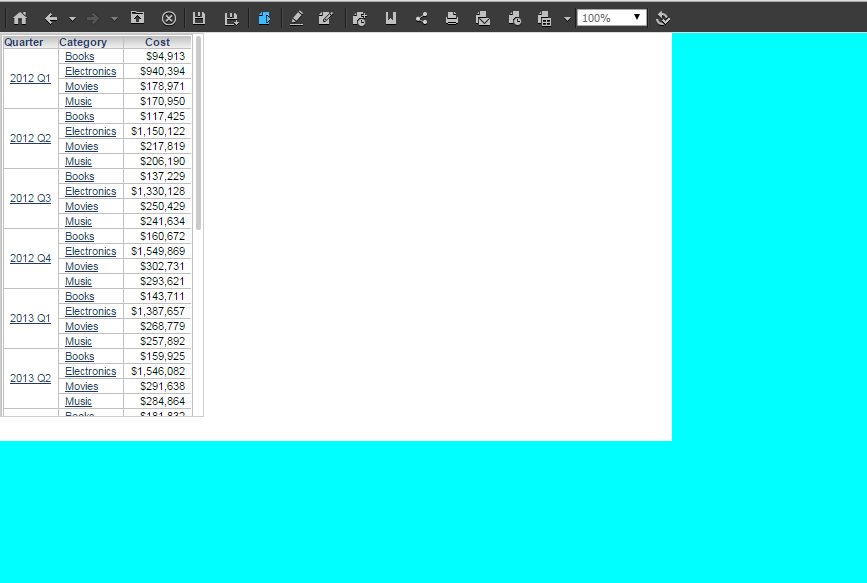
SUMMARY: By default, the color of the unused area of a document is gray and cannot be modified with the Strategy Web interface. However, this can be done using Strategy Web SDK 9.4.1-10
Before customization:
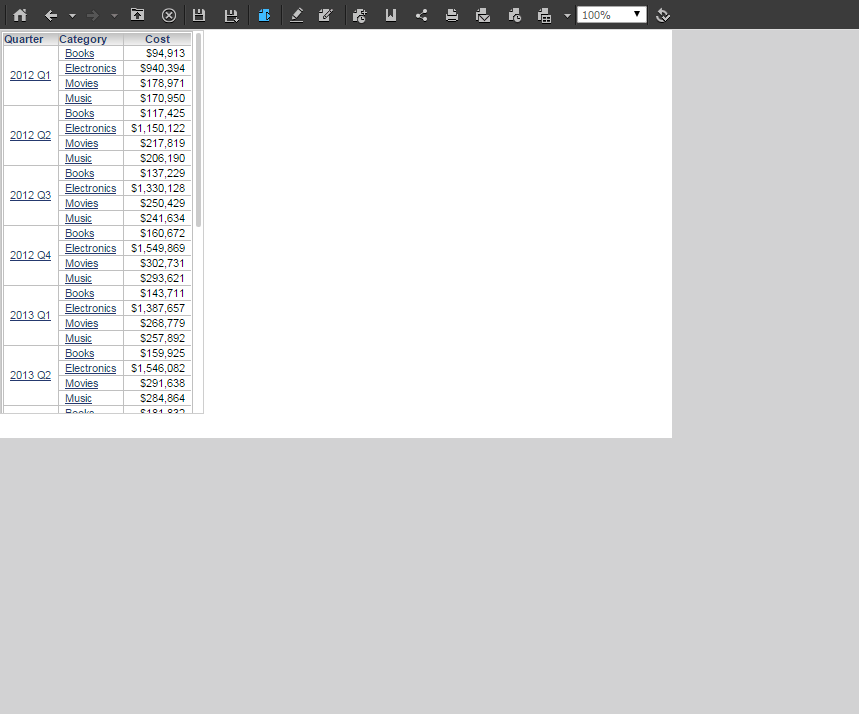
ka04W000000Og8LQAS_0EM440000002GPO.jpeg

After customization:

ka04W000000Og8LQAS_0EM440000002GPP.jpeg

Follow these steps to achieve this customization:

  1. In the WCE, navigate to Pages > oivm(Optimized Interactive View Mode) > CSS > Customizations > oivmPage.css 
  2. Right-click the css file to create a new CSS selector for the oivm page: .mstrmojo-DocLayoutViewer-layout 
  3. Add the property "background-color" and a value of your choice e.g. "#ff80ff !important" to the selector 
  4. Clear all browser caches and refresh the web page to observe the change

Comment

0 comments

Details

Knowledge Article

Published:

June 22, 2017

Last Updated:

June 22, 2017