SUMMARY
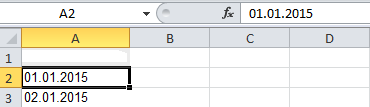
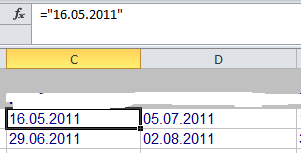
When executing a report containing a date formatted attribute, the dates are imported into the spread sheet as text, i.e ="dd.MM.yyyy" instead of dates.
Applying steps outlined in KB41220 - How MicroStrategy Office 9.2.x and 9.3.0 handle formatting of attributes with a format type of Date do not resolve the issue.
CAUSE
This issue might occur when setting a specific Excel format language in the Strategy Office properties.
ACTION
Change the Excel format language to "Set language automatically".
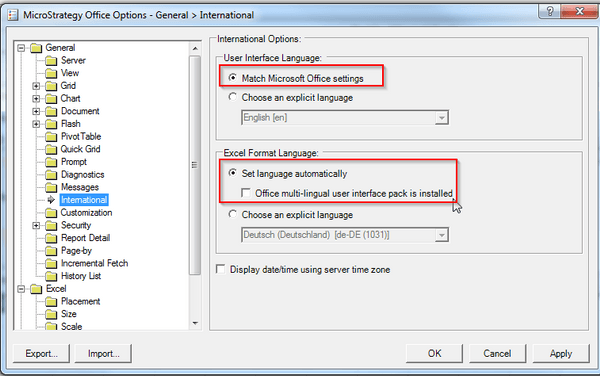
After restarting Microsoft Excel, the date elements are formatted with the date data type.