SYMPTOM:
In a Transaction Services document, the Action Selector Button behaves differently when logging in via the Guest user who has the necessary “Execute Transaction” privilege.
If the User is logging in via typing Guest, the button appears correctly and can be used to execute the transaction.
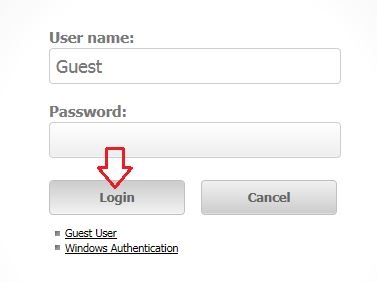
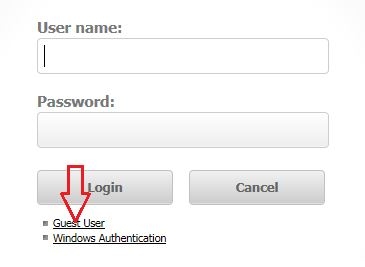
If the User is logging in via the Guest User link, the button in not visible in the document and cannot be clicked.
CAUSE:
This is working by design as the Guest User and Guest Link User are different users and have different privileges.
ACTION:
In this case, the “Execute Transaction” privilege needs to be given to the “Public/Guest” user group, rather than just the Guest account, to be applied to the Guest User Link as well.
KB249183
