SYMPTOM:
After installing Strategy 9.4.1 on a new machine, users may encounter the following error message when attempting to open the Warehouse Catalog in Strategy Developer:
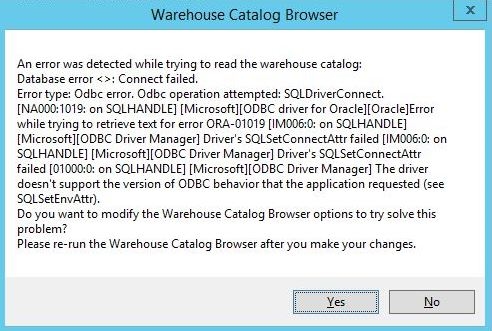
An error was detected while trying to read the Warehouse catalog:
Database error <>: Connect failed.
Error type: Odbc error. Odbc operation attempted: SQLDriverConnect. [NA000:1019: on SQLHANDLE][Microsoft][ODBC driver for Oracle][Oracle] Error while trying to retrieve text for error ORA-01019 [IM006:0: on SQLHandle] [Microsoft][ODBC Driver Manager] Driver's SQLSetConnectAttr failed [IM006:0: on SQLHANDLE][Microsoft][ODBC Driver Manager] Driver's SQLSetConnectAttr failed [01000:0: on SQLHANDLE][Microsoft][ODBC Driver Manager] The driver doesn't support the version of ODBC behavior that the application requested (see SQLSetEnvAttr).
Do you want to modify the Warehouse Catalog Browser options to try solve this problem?
Please re-run the Warehouse Catalog Browser after you make your changes.
