SYMPTOM:
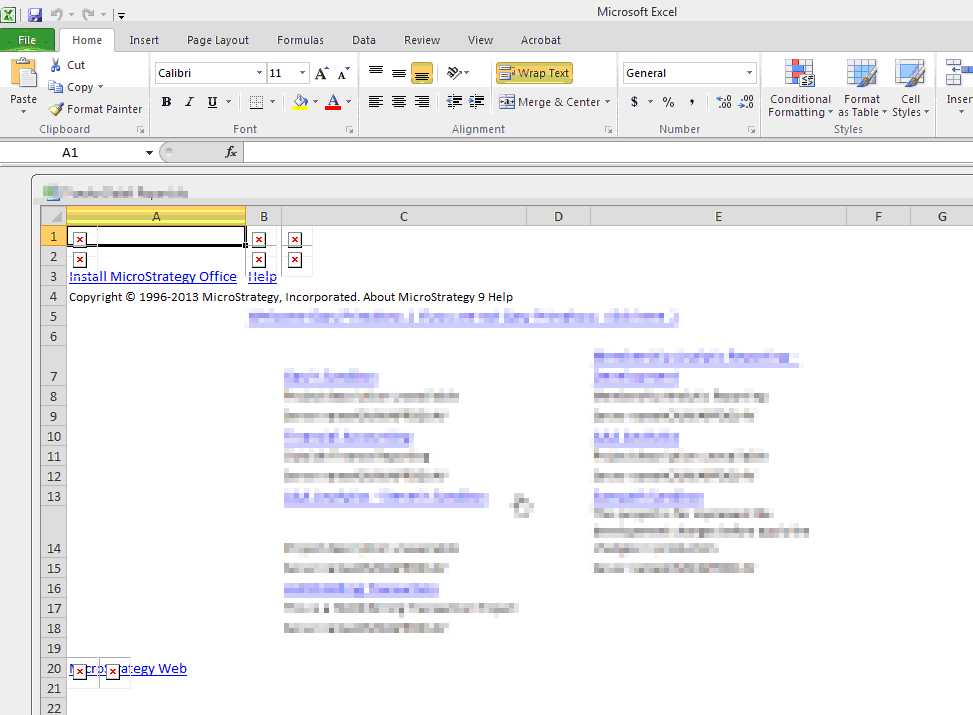
When exporting a report or document from Strategy Web 9.4.1 in Internet Explorer and pressing "Open" instead of "Save" or "Save As", the report or document can open in Excel with a yellow ribbon lining the top of the document asking the user to "Enable Editing", as shown below:

Protected View This file originated from an Internet location and might be unsafe. Click for more details. Enable Editing.
CAUSE:
This is an issue with Internet Explorer's Protected Mode and Microsoft Excel, and not with Strategy Web 9.4.1. The workflow for this issue is as follows:
This file originated from an Internet location
ACTION:
This issue is resolved normally by adding the Strategy Web URL to Internet Explorer's list of Trusted Websites, although this may vary based on the specific Internet Explorer security rules, Excel Protected View Mode rules, and client UAC settings.
WORKAROUND:
If adding the Strategy Web URL to Internet Explorer's list of Trusted Websites does not work, inform users not to use the "Open" option but to use "Save file to disk" and the issue will not occur.
Third Party Software WARNING:
The third-party product(s) discussed in this technical note is manufactured by vendors independent of Strategy. Strategy makes no warranty, express, implied or otherwise, regarding this product, including its performance or reliability.
