SUMMARY
This technical document covers some error messages that could be indicators of a corrupt Strategy installation.
SYMPTOM
One of the following errors can be seen on a Strategy 10 Secure Enterprise Platform, when the installation is corrupt.
When creating a new DSN using Connectivity Wizard in Strategy 10 on a Windows environment, the following error message is displayed:
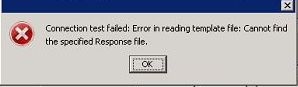
"Cannot create new DSN using connectivity wizard: Connection test failed:
Error in reading template file: Cannot find the specified Response file."
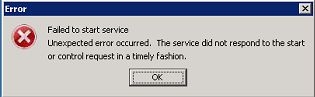
Failed to start service. Unexpected error occurred. The server did not respond
to the start or control request in a timely fashion.
