SUMMARY:
The issue described in this document has been classified as a defect by Strategy. The issue occurs in Strategy 10 and 10.1 Developer and Web when non-administrative users try to execute a prompted document. A solution/code fix for this issue is not available in current releases, but is being reviewed for a future Strategy release.
DESCRIPTION / SYMPTOM:
In Strategy 10 and 10.1 Developer and Web, when non-administrative users try to execute a prompted document, the document hangs and never finishes executing. If an administrator user (or a user with the “Bypass all object security access checks” privilege) executes the document, the document will execute successfully.
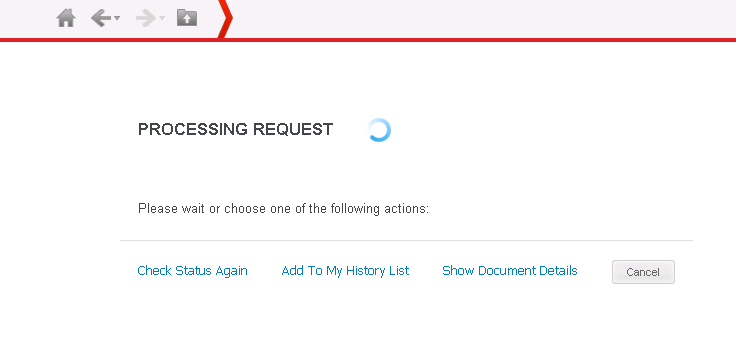
In the Job Monitor, the job status shows as “Ready to execute”, but the documents sit in the Job Monitor and are never executed.
In the DSSErrors log, users will notice the following error:
[Object Server][Error][0x80041B0D] You do not have Write access to the Resolution object ''.
CAUSE:
This is an identified defect in prompted documents in Strategy 10 and 10.1.
ACTION:
This issue has been fixed in Strategy 10.2. Take advantage of upgrading for a fix.
WORKAROUND:
Users can create a copy of the document and save the report in their “My Reports” folder. Users will be able to successfully run the copy of the document that they create.
The Strategy Internal Reference Number for the issue discussed in this technical note is DE20277.
