SYMPTOM:
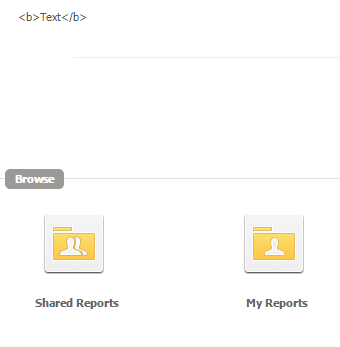
The Project Status that displays in Strategy Web 10.x, does not render HTML correctly, showing the tags instead of applying them, as shown below:
CAUSE:
This is working as designed in Strategy Web 10. The Project Status editor has been changed in Strategy Developer 10 and requires additional steps to add HTML code to the Project Status.
ACTION:
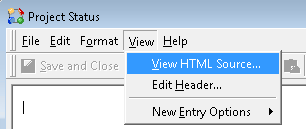
In the Project Status editor in Strategy Developer 10, go to View > "View HTML Source..." as shown below.
It is then possible to add HTML tags that will render correctly in Strategy Web 10.
