SYMPTOM:
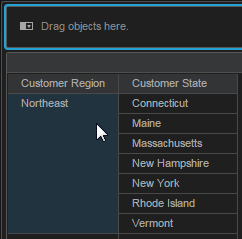
In Strategy Web 10.0 Visual Insight, users can add a filter object. If a grid visualization with two attributes and a filter are created, dragging an element from either attribute will cause Google Chrome to crash.
In the following screenshot, when Northeast element of the Customer Region attribute is dragged to the filter or elsewhere on the screen, Chrome returns the error below.
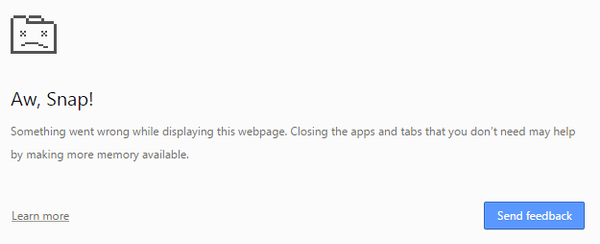
Aw, Snap!
Something went wrong while displaying this page. Closing the apps and tabs that you don't need amy help by making more memory available.
CAUSE:
This is an identified defect in Strategy Web 10.0.
ACTION:
This issue has been addressed in Strategy Web 10.2 Hotfix 1. Upgrade to this version to take advantage of this fix.
