The MicroStrategy Download Site is a download repository of Strategy Secure Enterprise, Mobile, and Desktop products. In certain scenarios, users may encounter a problem with downloading due to their browser's security settings.
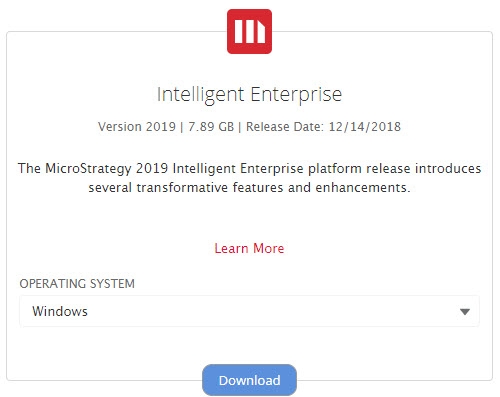
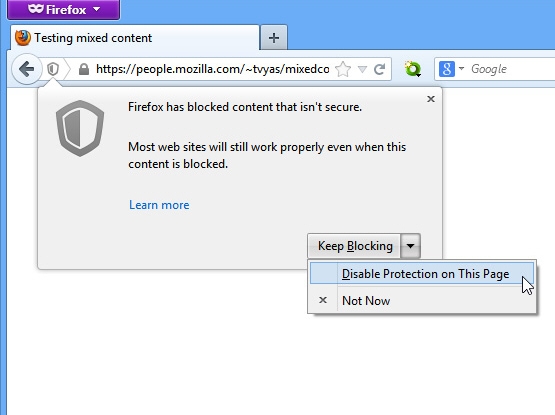
If clicking Download does not start the download process, see if your web browser displays the following warning. If so, perform the following actions:
On the warning, use the drop-down to select Disable Protection on This Page.
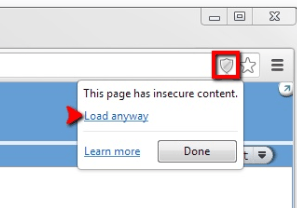
On the warning, select Load Anyway.
After disabling this protection, you should be able to downloads as usual. Please contact Strategy Technical Support if you are still encountering difficulties.
