SYMPTOM:
If an attribute element is started with a space and is passed from a grid in Report Services Document to a prompted Report via Edit Links, the target report shows no data. When checking the filter of the target report it's found that the space is either omitted or replaced with “nbsp;” which It leads to the faillure of passing answers to prompted reports as seen below:
Source document, notice the space in the attribute element: " 0707107"
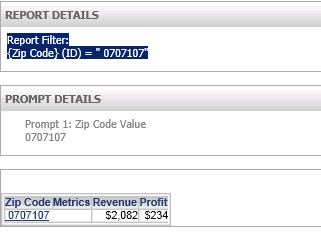
Results in the Target Prompted report after clicking on the attribute element. notice the filter is missing the space: "0707107" instead of " 0707107".
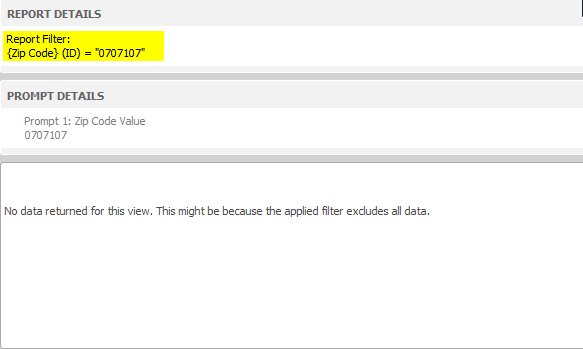
No data returned for this view. This might be because the applied filter excludes all data.
CAUSE:
This is an identified defect in Strategy Web 10.0.
ACTION:
This issue has been addressed in Strategy Web 10.1. Upgrade to this version to take advantage of this fix.
