SUMMARY:
This article discusses a known issue in Strategy 9.x-10.x in which a fact with multiple extensions leads to errors in reporting.
SYMPTOM:
When trying to run a report with a metric that is based off of a fact that has multiple extensions, an error message displays.
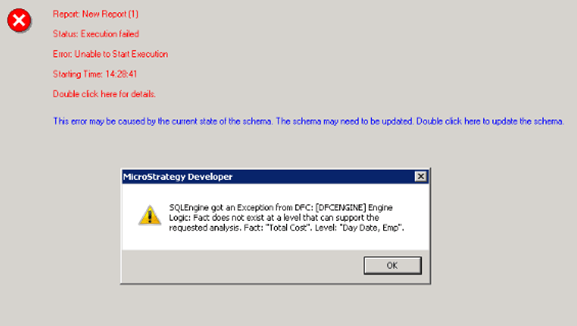
Fact group does not exist at a common level that can support the request analysis
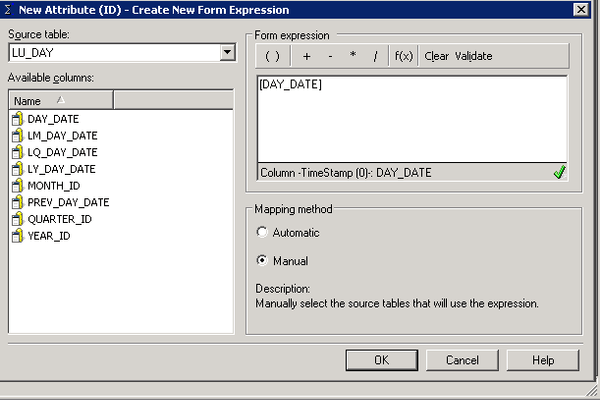
2. Set Day as the parent of this attribute
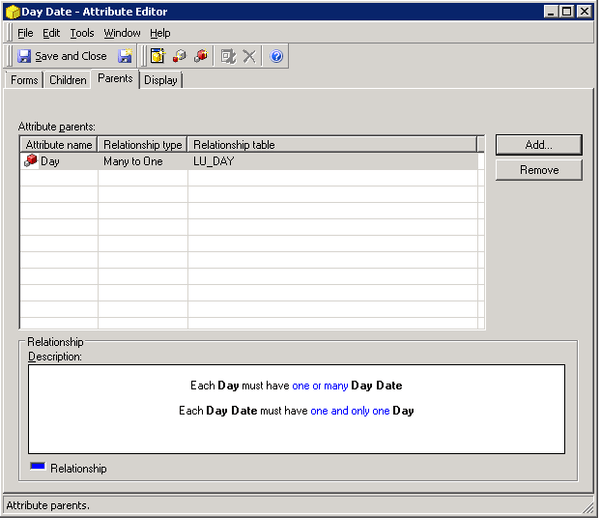
3. Create an attribute from LU_EMPLOYEE with the column EMP_ID (use manual mapping)
4. Set Employee as the parent of this attribute
5. Create a fact from YR_CATEGORY_SLS with the column TOT_COST
6. Add two fact extensions, Day and Employee, with all default settings
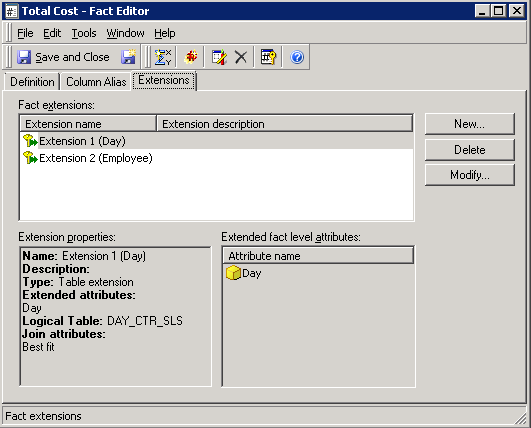
7. Update the schema.
8. Create a metric from this fact SUM(fact)
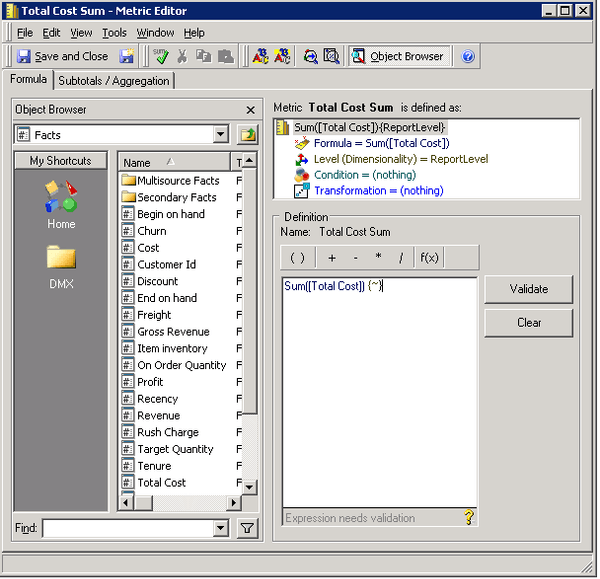
9. Create a report with Day, Employee in the rows and the metric from step #8 in the columns.
10. Execute the report, and notice the error message displays:
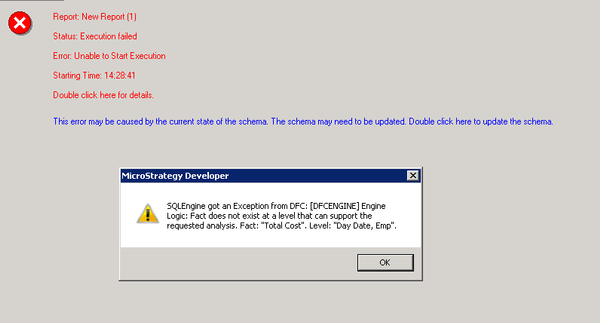
“SQLEngine got an Exception from DFC: [DFCENGINE] Engine Logic: Fact does not exist at a level that can support the requested analysis: “Total Cost”. Level: “Day Date, Emp”
CAUSE:
This is a known limitation in Strategy 9.x-10.x
ACTION:
Currently this issue is still being reviewed for feasibility by our Technology team and it is not scoped for any upcoming scheduled Strategy release.
ALTERNATE SOLUTION:
Depending on the functionality needed, level metrics can assist in getting the desired results. In the above example the level metric would be set to the level of "Day" and "Employee".
The Strategy Internal Reference Number for the issue discussed in this technical note is DE23255.
