In Strategy Web 10.2, user can apply a formatting theme to an entire Report Service document or to a specific object, such as a selector or text field, on a Report Service document.
Every theme contains a set of formats for the different types of objects on a document. For example, a theme contains formatting options for reports, selectors, text, and so on. For each object, the theme can apply any formatting setting, such as font color, background color, borders, and so on, that applies to the type of object.
Using themes allows user to deploy a single look and feel across all documents or selected documents. Using themes also allows user to spend less time formatting documents.
Selecting the display theme for a document
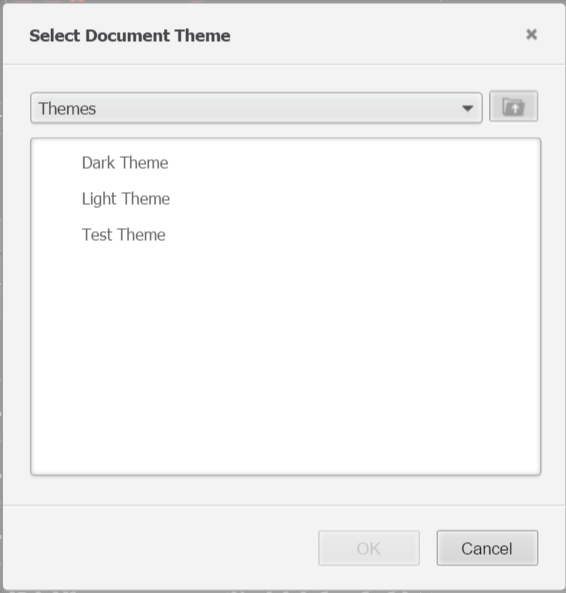
Strategy out-of-box provides two display themes: The Light theme and The Dark theme. Follow below steps to apply the theme:
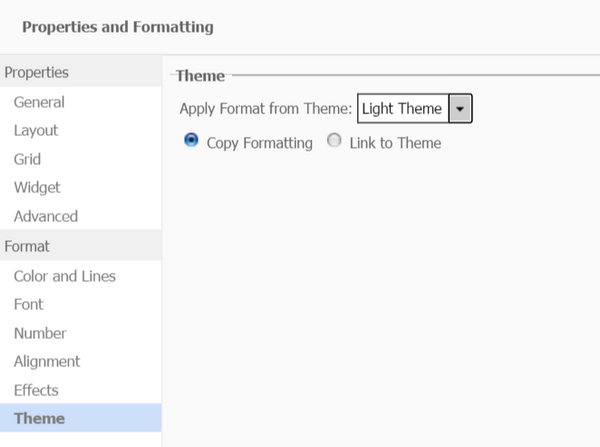
Selecting a display theme for an object
You can also apply custom themes to an object. Follow below steps to apply the theme:
Creating custom display themes
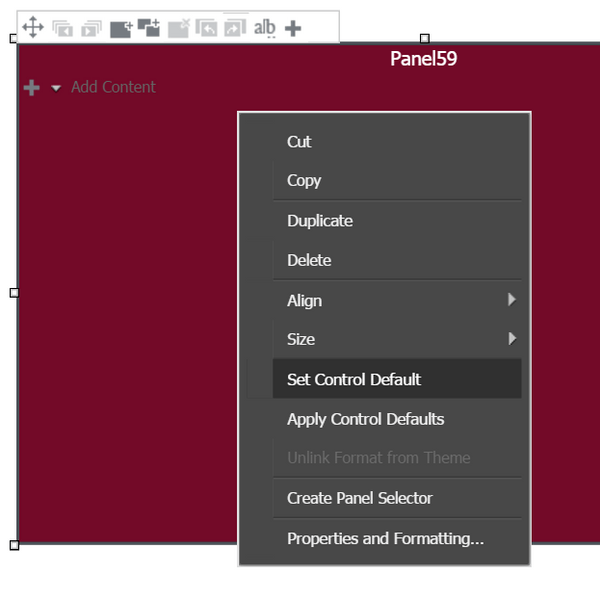
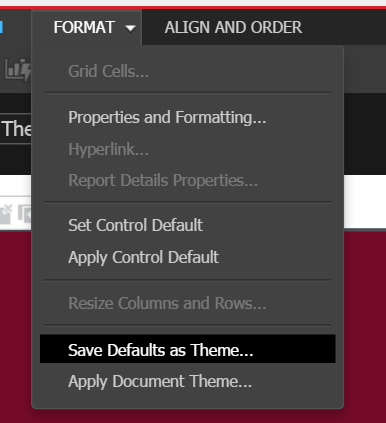
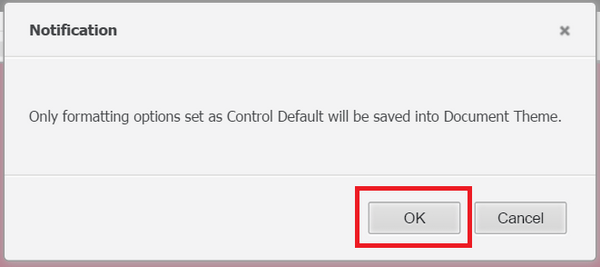
User can create a custom theme to format documents. To create a theme, format an object of each type that you want the theme to include, and then set that formatting as the control default format for that object. Follow below steps to create a custom theme: