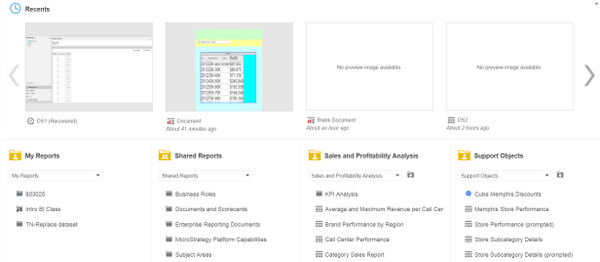
A new feature about "My Pages" is introduced in Strategy Web 10.1, as described in below Technical Note:
KB258959: New feature for setting My Page as the default start page in MicroStrategy Web 10.1
In Strategy Web 10.1, user is only able to add Image, My Reports, Shared Reports, Recent and HTML Container.
Starting from Strategy Web 10.2, user is now able to add any folders that user have access to as shortcuts in "My Pages" besides "My Reports" and "Shared Reports".
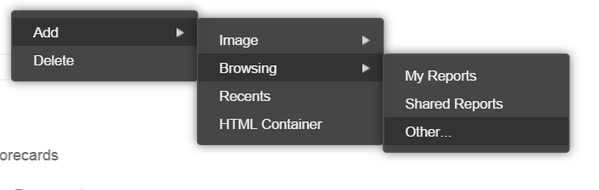
Hovering over an existing widget, clicking on the caret in the upper-right hand corner, and selecting Add--Browsing--Other from the context menu, as shown below:
Select a folder to create shortcut. After customizations, "My Pages" looks like below: