EducationSoftwareStrategy.com
StrategyCommunity

Knowledge Base

Product

Community

Knowledge Base

TopicsBrowse ArticlesDeveloper Zone

Product

Download SoftwareProduct DocumentationSecurity Hub

Education

Tutorial VideosSolution GalleryEducation courses

Community

GuidelinesGrandmastersEvents
x_social-icon_white.svglinkedin_social-icon_white.svg
Strategy logoCommunity

© Strategy Inc. All Rights Reserved.

LegalTerms of UsePrivacy Policy
  1. Home
  2. Topics

KB276363: How to publish a prompted incremental refresh report using MicroStrategy Command Manager


Community Admin

• Strategy


This article describes how to get around a current limitation with MicroStrategy Command Manager where it is not able to handle prompts within incremental refresh reports.

Description

When trying to publish an incremental refresh report through Strategy Command Manager with prompts, users encounter a syntax error at the PROMPT line.

ka04W00000148kpQAA_0EM440000002C2x.jpeg


Syntax error at line '1', column '112'. Expected:;

Why is this happening?

This is working as designed. Strategy Command Manager does not support answering prompts within the incremental refresh report scripts.

Workaround

To publish a prompted incremental refresh report, use the following workaround: 

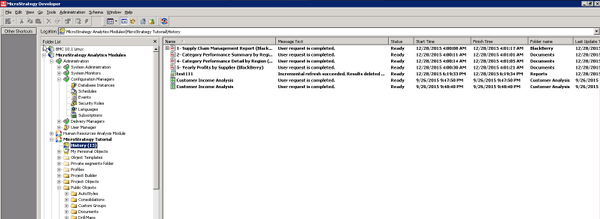
  • In Command Manager, create a History List Subscription with the GUID of the Incremental Refresh Report.  
  • Use the Create Subscription script, as this script allows for the prompt to be answered as desired.
ka04W00000148kpQAA_0EM440000002C2z.jpeg
  • Trigger the subscription within Command Manager whenever the incremental refresh report needs to be published.
ka04W00000148kpQAA_0EM440000002C33.jpeg

Comment

0 comments

Details

Knowledge Article

Published:

April 3, 2017

Last Updated:

November 27, 2019