EducationSoftwareStrategy.com
StrategyCommunity

Knowledge Base

Product

Community

Knowledge Base

TopicsBrowse ArticlesDeveloper Zone

Product

Download SoftwareProduct DocumentationSecurity Hub

Education

Tutorial VideosSolution GalleryEducation courses

Community

GuidelinesGrandmastersEvents
x_social-icon_white.svglinkedin_social-icon_white.svg
Strategy logoCommunity

© Strategy Inc. All Rights Reserved.

LegalTerms of UsePrivacy Policy
  1. Home
  2. Topics

KB279724: Images in grid defined as HTML tag form are not resized using zoom options in presentation mode in MicroStrategy Web


Community Admin

• Strategy


Images in grid defined as HTML tag form are not resized using zoom options in presentation mode in MicroStrategy Web 10.x

SYMPTOM:
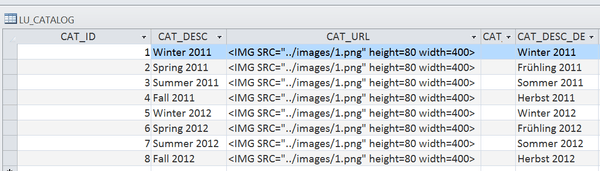
When an HTML tag form of an attribute is defined as:
<IMG src="../images/1.png" height=80 width=400>
ka04W000000Og2OQAS_0EM440000002V6m.jpeg

 
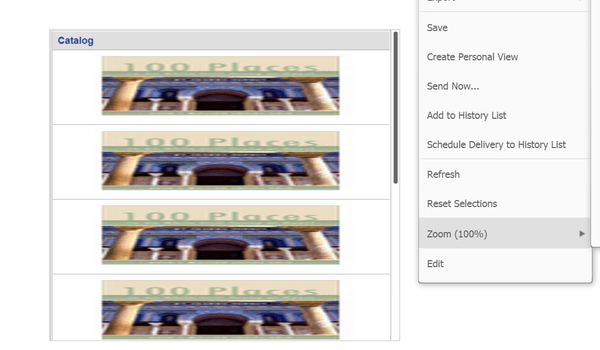
in warehouse, the image displayed in grid will not resize when user zooms in presentation mode.
ka04W000000Og2OQAS_0EM440000002V6f.jpeg
ka04W000000Og2OQAS_0EM440000002V6d.jpeg

 
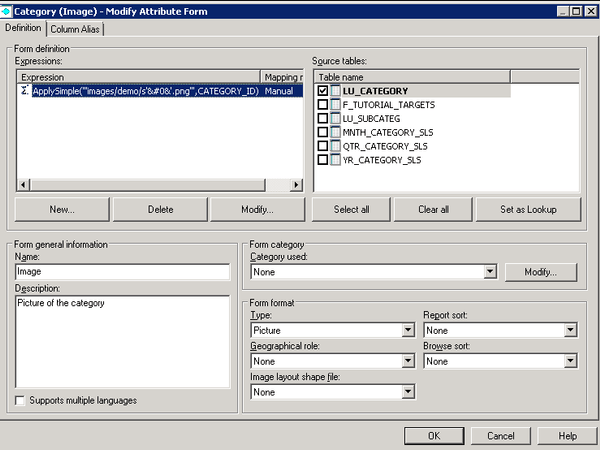
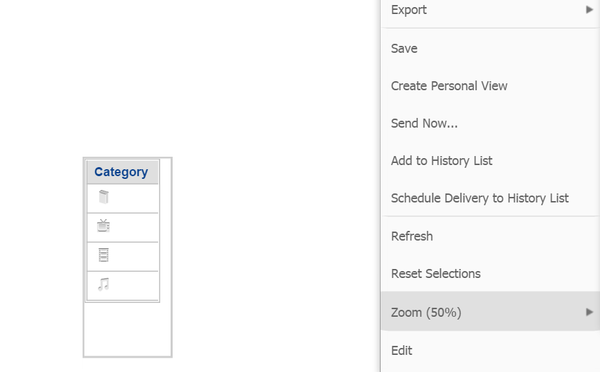
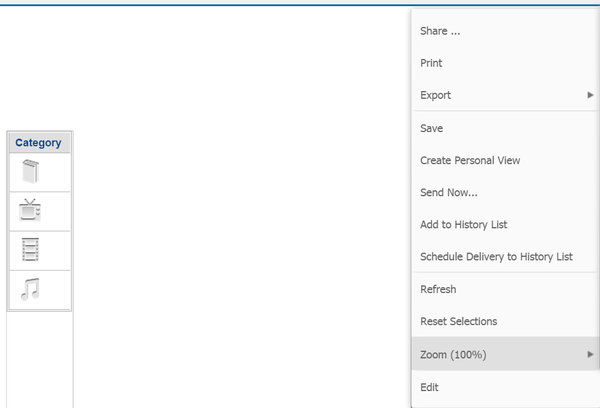
Meanwhile, if the image form of an attribute is defined via ApplySimple function like Category in Tutorial, the image displayed in grid will resize when user zooms in presentation mode.

ka04W000000Og2OQAS_0EM440000002V6k.jpeg


ka04W000000Og2OQAS_0EM440000002V6h.jpeg
ka04W000000Og2OQAS_0EM440000002V6o.jpeg

 
CAUSE:
This is by design. Since the image (CSS) style properties of the image are hardcoded in the HTML tag, the document zoom cannot update the dimension whereas using images (or image attribute form) the CSS style attributes can be computed depending on the current document zoom level.


Comment

0 comments

Details

Knowledge Article

Published:

July 12, 2017

Last Updated:

July 12, 2017