SYMPTOM:
When trying to activate an installation of Strategy 10.x the following message may be seen when attempting to upload the Activate.xml file to the activation site:
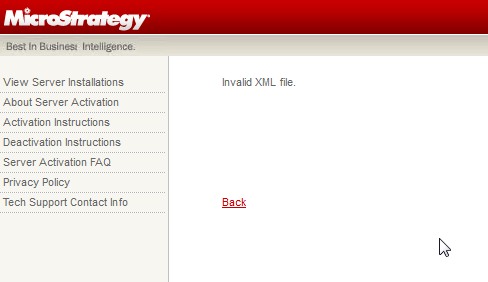
Invalid XML file
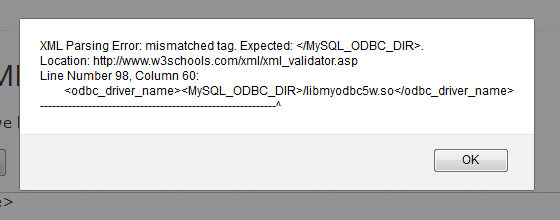
Users will note that there is an unnecessary <MySQL_ODBC_DIR> tag in the Activate.xml which causes it to be rejected.
ACTION:
In this case, the issue was resolved by modifying the driver path in the MSIReg.reg file to include the full path to the driver. The fields in question that should to be modified are bolded below:
[HKEY_LOCAL_MACHINE\SOFTWARE\MicroStrategy\DSS Server\Instances\CastorServer]
"AsymmetricClustering"=dword:00000000
"ClusteringInUse"=dword:00000000
"MetaDataDBEncryption"="UTF8"
"MetaDataDatabaseVersion"="-1"
"MetaDataODBCDriverLibraryName"="<MySQL_ODBC_DIR>/libmyodbc5w.so"
"MetaDataODBCDriverVersion"="3.52"
"NumberOfNodesInCluster"=dword:00000001
"PerfMonitorEnabled"=dword:00000001
"WarehouseDatabaseVersions"="80"
"WarehouseODBCDriverLibraryNames"="<MySQL_ODBC_DIR>/libmyodbc5w.so"
"WarehouseODBCDriverVersions"="3.52"
