Summary
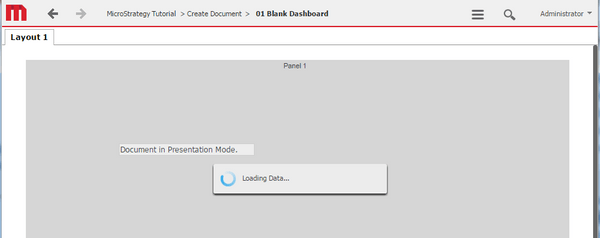
When exporting a report services document from presentation mode to PDF or Excel, a new tab opens and the export is successful. However, the original tab is showing a loading sign that cannot be dismissed. The page freezes and must be reloaded to continue work.
Steps to reproduce
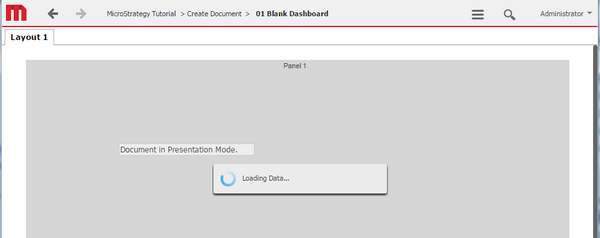
1. Execute any document in Presentation Mode
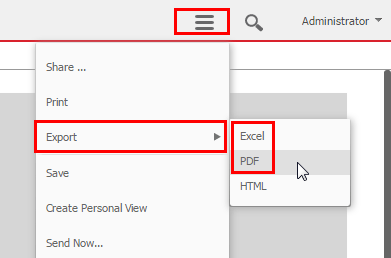
2. Select export to PDF or Excel
3. Switch back to original tab and observe that "loading data" never disappears.
Cause
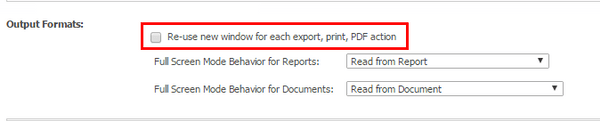
This is a known issue with Strategy 10.x and caused by the web preference "Re-use new window for each export, print, PDF action" under User/project defaults > General > Output formats.
Action
This issue has been addressed with Strategy 10.4. Upgrade to take advantage of the fix.
Workaround
Disable the web preference "Re-use new window for each export, print, PDF action" under User/project defaults > General > Output formats. Note that this preference exists on user and project level. User level takes precedence over project level if set on user level.