The Project Duplication Wizard command line interface enables users to duplicate a project without having to load the graphical interface, or to schedule a duplication to run at a specific time. Users can create an XML settings file, and then use the Windows AT command to schedule the duplication to take place at anytime. Project Duplication functionality is only available from the Windows client machine.
Before using the command-line project duplication, an XML file must initially be created for project duplication by using the Project Duplicate Wizard.
The steps below desmonstrate how to use the project duplication in command-line mode:
To invoke the "ProjectDuplicate.exe", the syntax is:
ProjectDuplicate.exe -f Path\XMLFilename
See the following example:
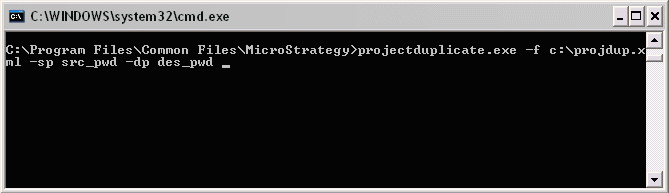
C:\Program Files\Common Files\Strategy>projectduplicate.exe -f c:\projdup.xml -sp src_pwd -dp des_pwd
