SYMPTOM
In Strategy Desktop, no projects are displayed even after successfully logging into a project source, as shown below:

This occurs even if the user has access to the project through Web.
CAUSE
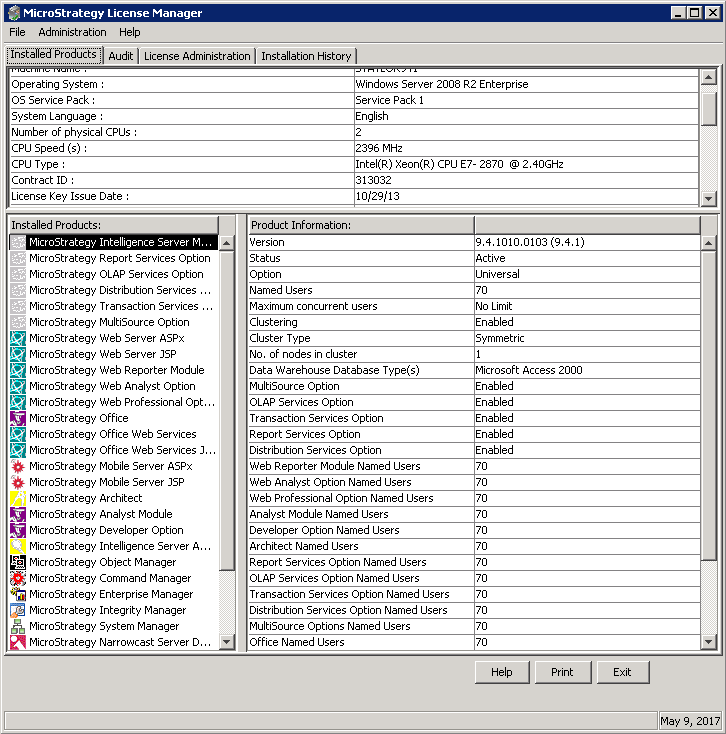
This issue may occur if Strategy Developer Designer, Strategy Developer Analyst, or Strategy Architect are not installed on that particular machine. The Strategy License Manager can be used to determine which products are installed on the local machine.
ACTION
To resolve this issue, perform a ‘Modify’ install on that particular machine and install the missing products. Users should be able to see the required projects after successfully logging into a project source.
KB30180
