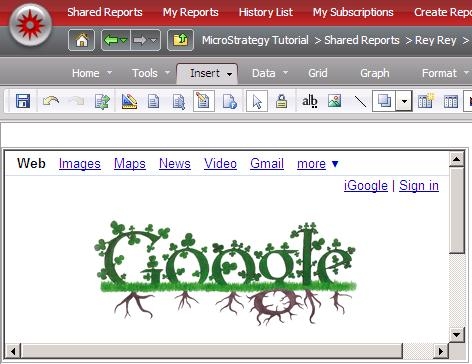
In Strategy 9.0, HTML Container has been introduced. HTML container allows user to render HTML code directly in the document. HTML container can be created by providing either HTML code or a URL.
In View Mode, Interactive Mode, and Editable Mode in Strategy Web, all valid HTML is supported. The HTML code is interpreted by the user’s browser. Not all HTML codes are supported in Flash Mode in Strategy Web. The following HTML codes are supported in Flash Mode:
<A href, event, target>
<B>
<BR>
<FONT color, face, size>
<IMG src, width, height, align, hspace, vspace, id, checkPolicyFile>
<I>
<LI>
<P align, class>
<SPAN class>
<TextFormat blockindent, indent, leading, leftmargin, rightmargin, tabstops>
<U>
NOTE: For a full description of the HTML that Flash supports, see the Adobe website at livedocs.adobe.com/flex/201/langref/flash/text/TextField.html#htmlText.
In PDF and Excel
In PDF View in Desktop, and when the document is exported to PDF or Excel, only the text in the HTML container is displayed. The formatting is determined by the formatting of the HTML container, not the HTML code within it. Anything within the following tags is removed, and does not display:
<HEAD>
<STYLE>
<SCRIPT>
Example of HTML container using URL: