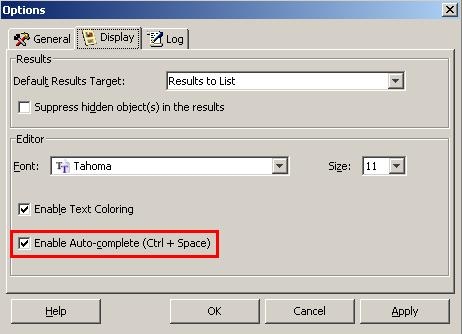
In Strategy Command Manager, users can take advantage of the auto-complete feature that will help in predicting the next words that can be included in a script statement while typing. The auto-complete feature can significantly speed up the time it takes users to create a Command Manager script and also will reduce the dependency to the usage of the outlines window and documentation reference when creating scripts.
To automatically complete a script command follow the next steps:
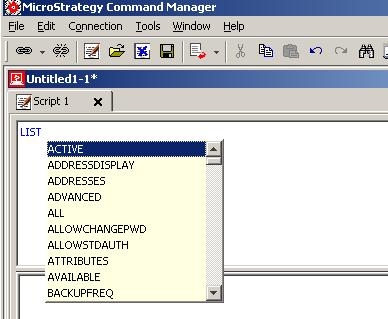
NOTE: The auto-complete feature is available in both connection and connection-less mode.
Follow the next steps to enable or disable this feature (this feature is enabled by default).
Special Considerations: