SYMPTOM:
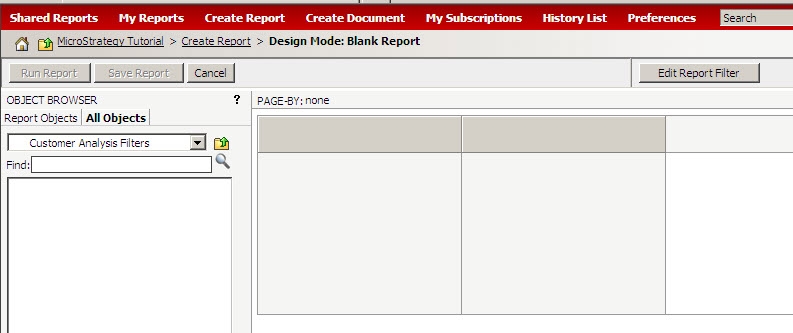
When browsing to the shared filters folder through the report objects window, no filters appear in Strategy Web 8.x:
However in Strategy Desktop 8.x multiple filters can be seen in the Public Objects -> Filters folder:

CAUSE:
Strategy Web 8.x will display only objects that are eligible to be placed on the report template. In the case of filters, these can only be added to the Report Filter.
Note: Beginning in Strategy 9 filters may be seen without clicking the 'Edit Report Filter' button.
ACTION:
Click the ‘Edit Report Filter’ button to be able to see and apply filters in Strategy Web:

