One may want to create a template for a Report Services Document in Strategy to be used as a default template for all users.
The following steps describe how to do this in Strategy Tutorial:
1. Open the Document Folder located in the folder Object Templates. This is a hidden folder. To make this folder visible, in Strategy Developer, click on Tools and choose Preferences. Click on Browsing Options and `Display hidden objects.`
2. Choose Empty Document.
3. Make the necessary changes to the document and then save and close the document.
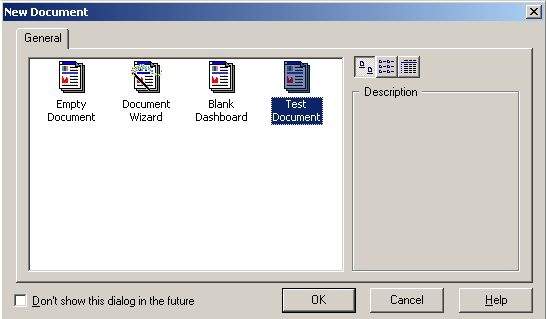
4. The new template should be viewable when prompted to choose a document template while creating a new Report Services document, as shown below: