SYMPTOM:
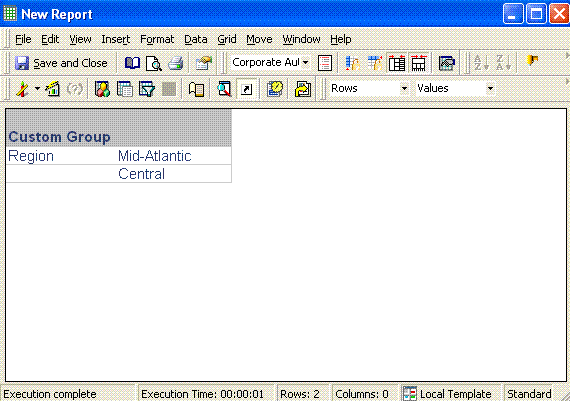
When using a Custom Group, the second display option states "Show only the individual items within this element", but in a report the custom group element name is also displayed in Strategy Developer 9.4.1 and 10.x. when this option has been selected.
STEPS TO REPRODUCE:
Execute the following in Strategy Tutorial:

ACTION:
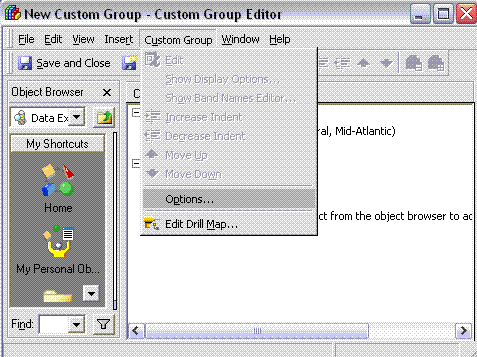
In order to display only the individual items of the element, in the Custom Group editor, on the tool bar, click on Custom Group -> Options and in the 'Options' window which opens, uncheck the box for 'Enable Hierarchical Display'. Click save and close the Custom Group.
When the report is now executed, only the individual items within the Custom Group element are displayed, as shown below:

