SYMPTOM:
In Strategy Web 9.0.0, when exporting a Report Service document to Excel format, if the user has privilege `Use Office` and the document has been modified in any way since it was opened (including a change to the selector selection), a warning message like the following will prompt up:
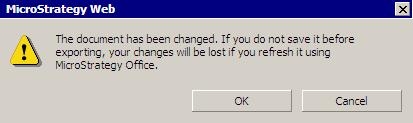
Sample Code/Error
The document has been changed. If you do not save it before exporting, your changes will be lost if you refresh it using Strategy Office.
STEPS TO REPRODUCE:
Follow the steps below to reproduce this problem in the Strategy Tutorial project:
CAUSE:
This is by design. Without saving the change, users will have a problem when refreshing the document in Strategy Office. The exported document will reflect all changes that were made since it was opened, but when users refresh from Strategy Office, it will re-run the original document definition, then all changes will be lost.
ACTION:
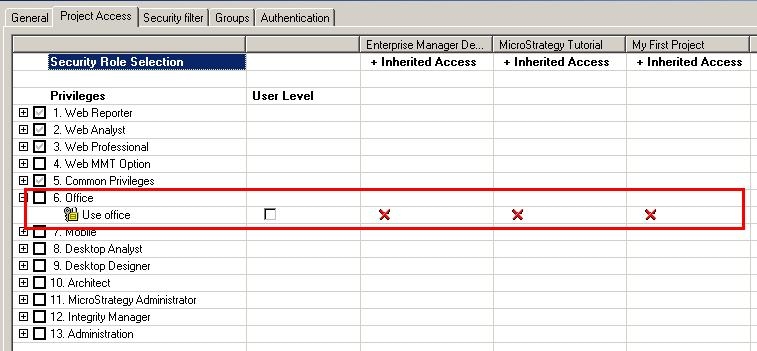
If desired to suppress this warning message, uncheck the user privilege `Use Office`, as shown below: