SYMPTOM:
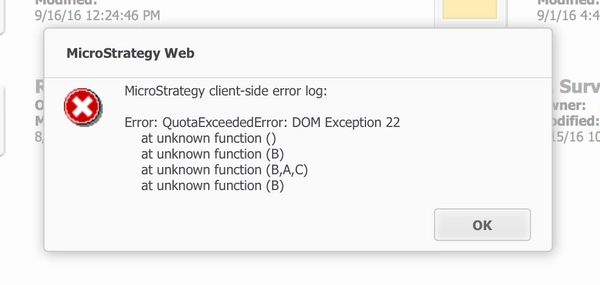
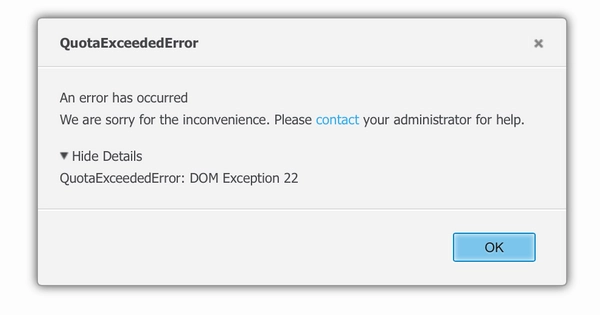
When using Strategy Web, user get following error:
QuotaExceededError: DOM Exception 22
CAUSE:
This is known issue in Strategy Web 10.x.
This is caused by the limit on the localStorage on the browsersStarting. Starting from version 10.1, Strategy introduced a new feature to remember Recent viewed objects. For more information about this feature, refer to below Technical Note:
KB258470: New feature in MicroStrategy Web 10.1: Recent viewed objects
The recent objects information, along with a preview image, is stored on the browser’s localStorage. localStorage has a limit of 5GB in chrome browser, based on Strategy's testing, a regular user could log into 30-50 projects without any problems. However when user access more than 50 projects (often seen when user runs automated tests using different users from same browser), they started seeing above issue.
ACTION:
This issue has been addressed in Strategy 10.6.
