SYMPTOM
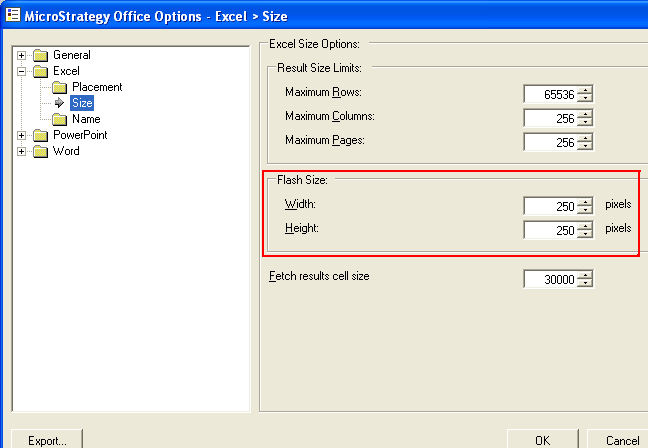
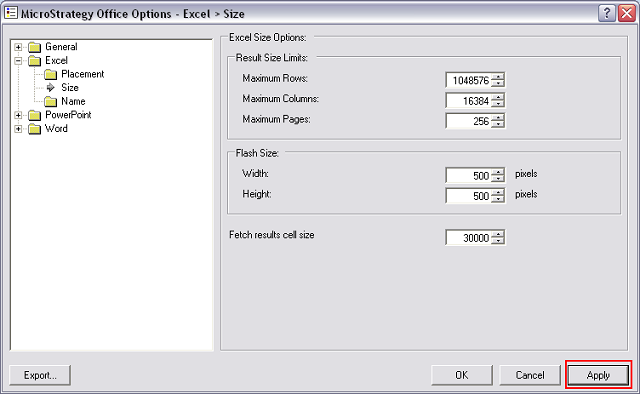
When trying to apply Excel Flash Size changes, seen below from Strategy Office options, the changes do not apply to Dashboard within the workbook:
STEPS TO REPRODUCE
CAUSE
The configuration setting controls the size of the Flash object for the initial execution. After that, if the user wants to resize the object, the user simply changes the object in Excel, PowerPoint or Word.
ACTION
Rerun Strategy dashboard in a new Microsoft Excel Workbook or the Excel the workbook needs to be in design mode to resize.
Note: Simply running the dashboard to a new worksheet in the existing workbook will not apply Excel Size changes. The dashboard must be run to a new workbook.
