SYMPTOM:
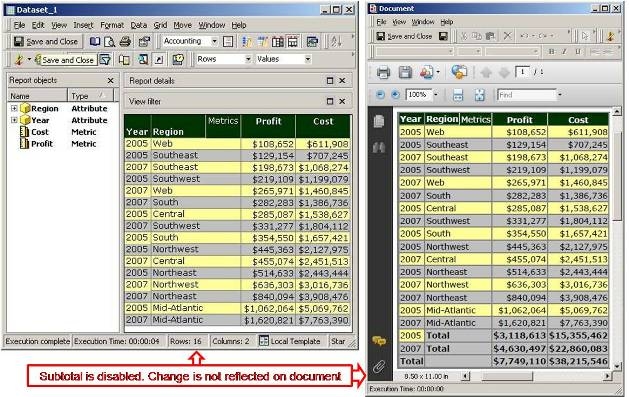
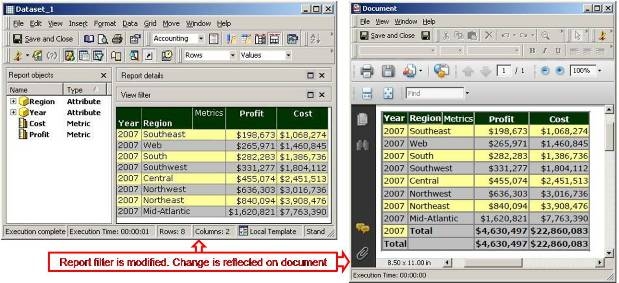
In Report Service Documents, document data-sets and their original source reports are not completely connected to each other. Depending on the changes made on the source report, the document may not match. These changes can be summed up in the following manner:
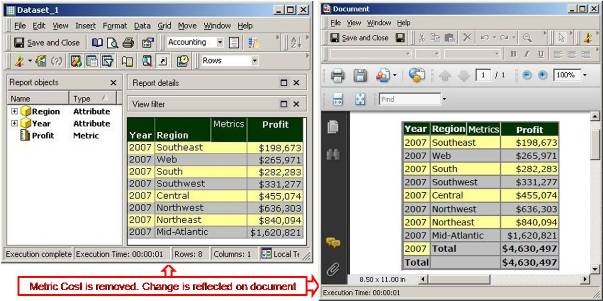
If an object is removed from the source report, user can see the change in document’s data-set objects window. After user runs the document, the object will be removed from grid/graph on the document.
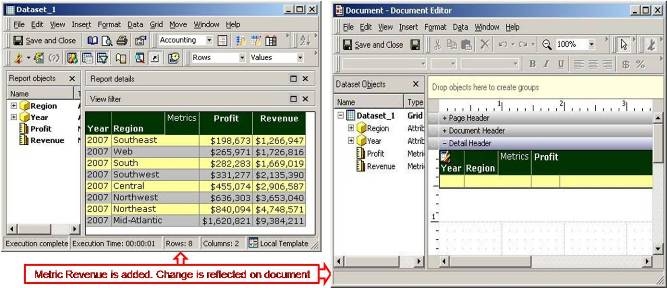
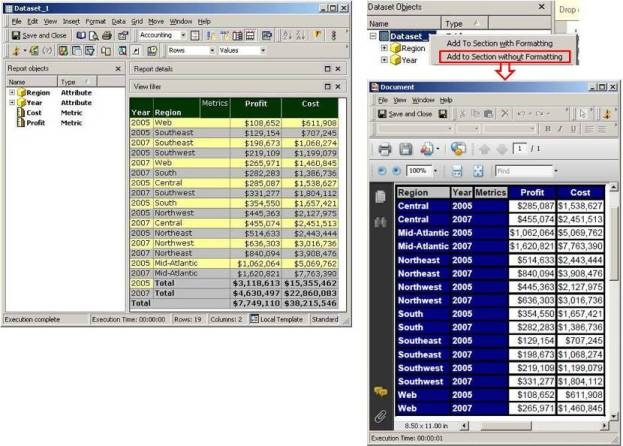
If an object is added to the report, the change will show in the document’s data-set objects window. However, the object will not be automatically added to the grid/graph. The user has to manually add the object to the grid/graph or add the data-set to the section again to make it show up.
NOTE: When adding a grid or graph to a Report Services document as a shortcut by selecting the 'Add to section as a shortcut' option, then the document would be updated automatically if ANY type of change is made on the source report.
