SUMMARY:
The issue described in this document addresses a situation where the ability to use the search function in Visual Insight is needed in a highly controlled environment. This document will describe how a metric can be hidden from the browse and search functions in Visual Insight, but still be able to be used in an Intelligent Cube.
A workaround is provided at the end of the technical note.
REQUIREMENT:
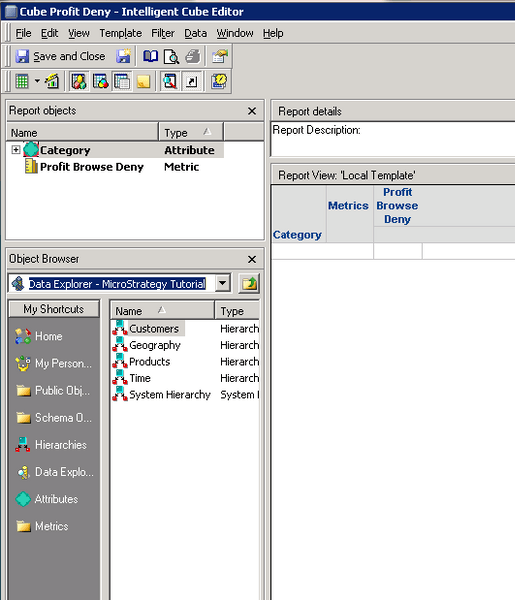
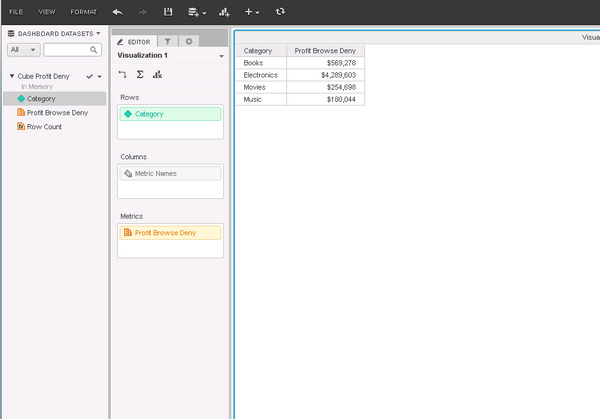
Administrator wants to be able to release the search functionality in Visual Insight so that end users are able to pick up any metric or attribute in a controlled environment. In this scenario, the administrator wants to be able to include metrics into an Intelligent Cube and have users be able to see and use them from the cube, but not be able to search or browse them from within Visual Insight.
PROBLEM:
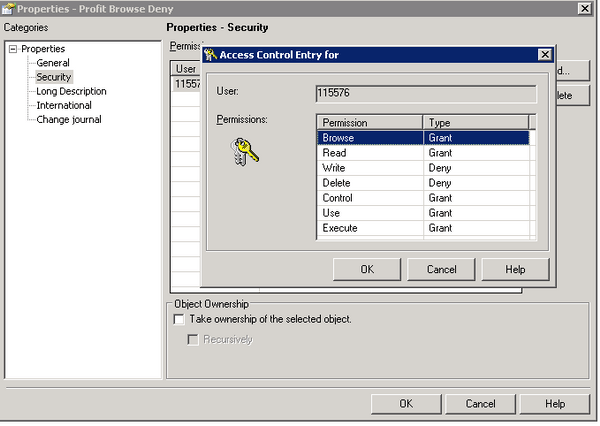
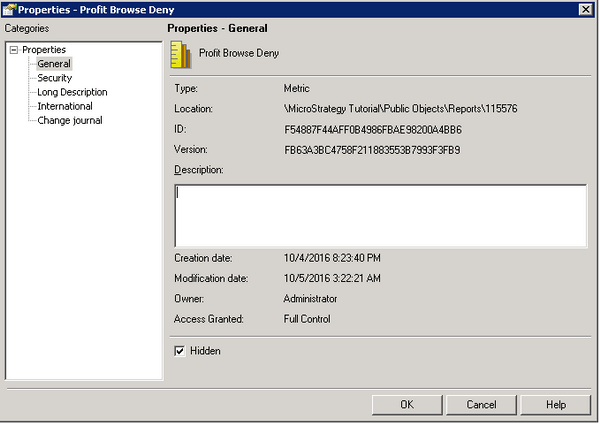
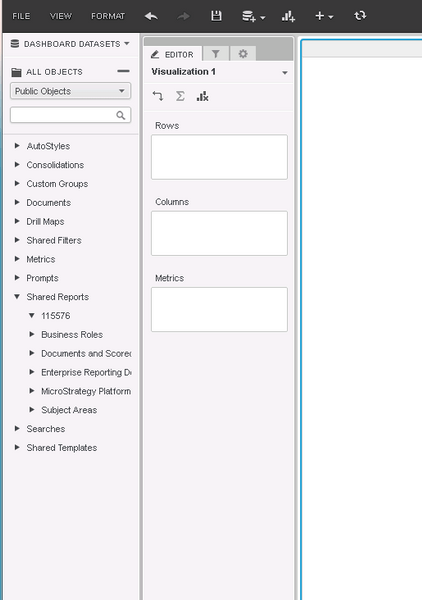
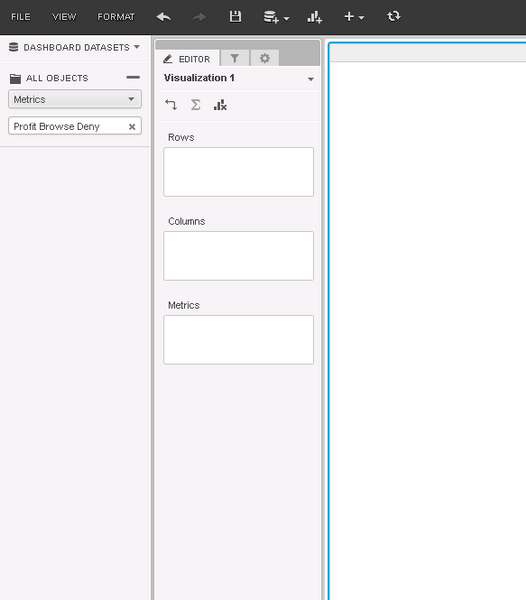
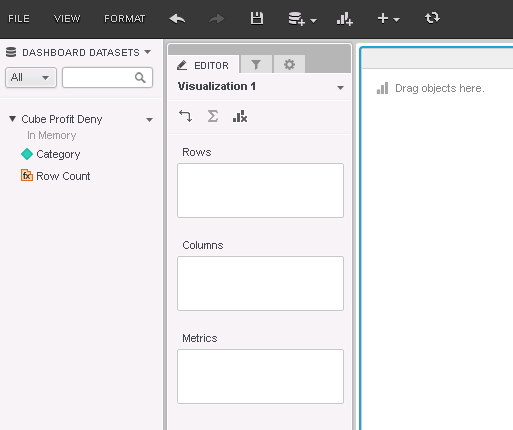
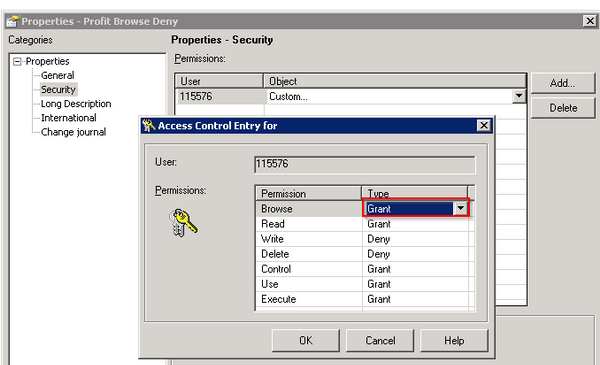
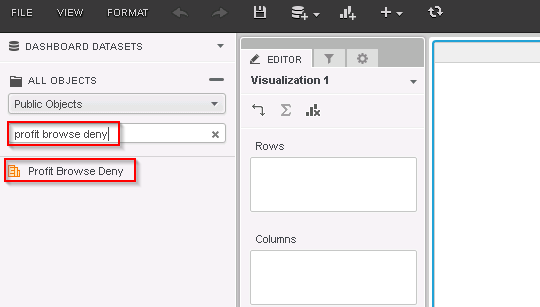
In Strategy 10.x, after disabling the Browse ACL to a metric, users are not able to browse or search for that metric within Visual Insight nor are able to see or use the metric within a cube.
STEPS TO REPRODUCE:
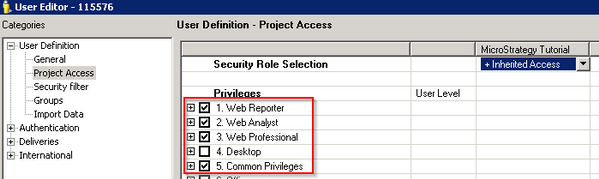
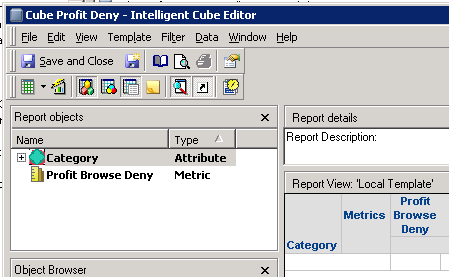
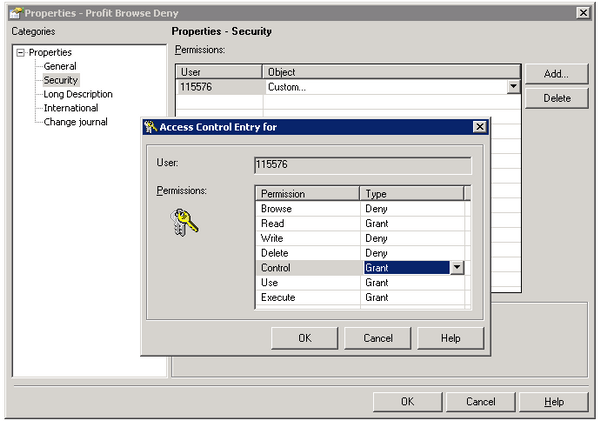
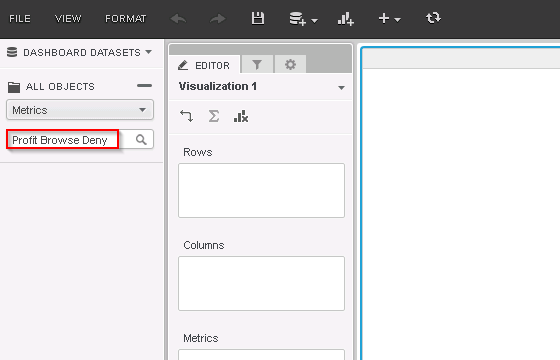
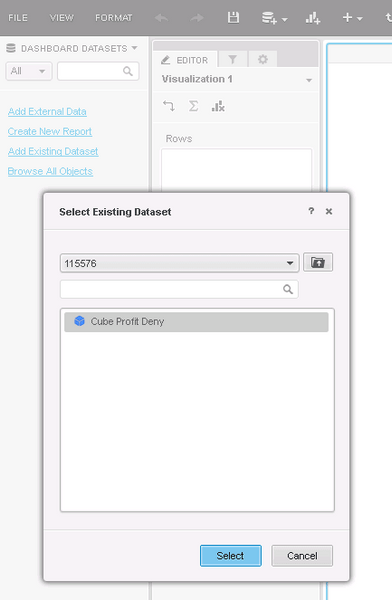
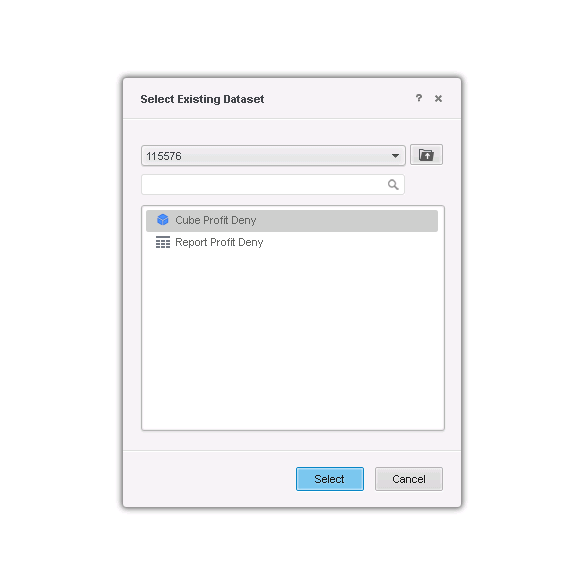
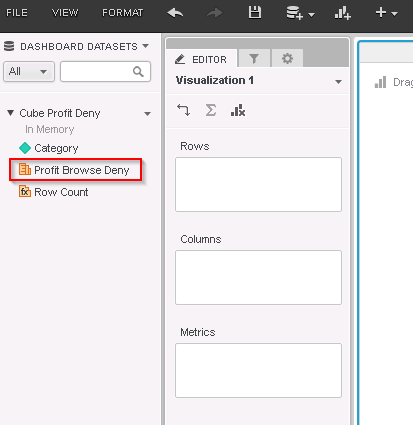
“Profit Browse Deny” is not displayed.
CAUSE:
This is working as designed as the Browse ACL is required to see and use metrics in a cube and give browse and search access to those metrics.
WORKAROUND: