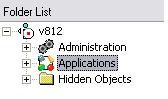
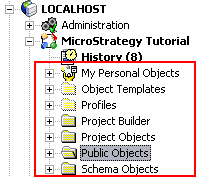
In Strategy Narrowcast 9.x - 10.x, when creating an information object, the user cannot view folders set to hidden in Strategy Developer. In this example, Developer, displays hidden folders such as "Profiles" and "Object Templates":
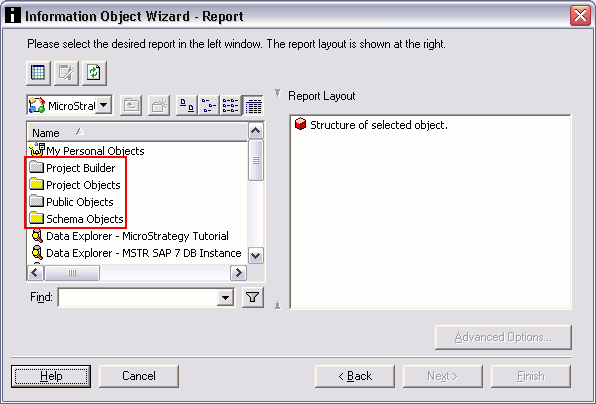
When that same project is accessed through Narrowcast, those above folders are not displayed:
To show Developer Hidden Folders through Narrowcast, follow steps below:
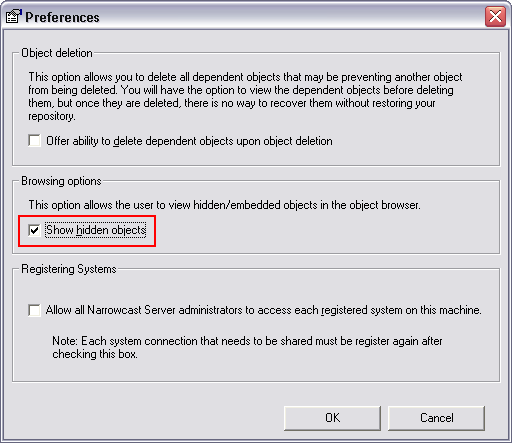
NOTE: Enabling this option also makes the "Hidden Objects" folder visible through the Narrowcast Administrator console.