A selector allows users to filter data by particular elements. However, attributes may have multiple forms that are useful for displaying on a grid but not in a selector. For example, it may make sense to display both Customer First Name and Customer Last Name on a grid, but developers may wish to only display Customer Last Name in the selector.
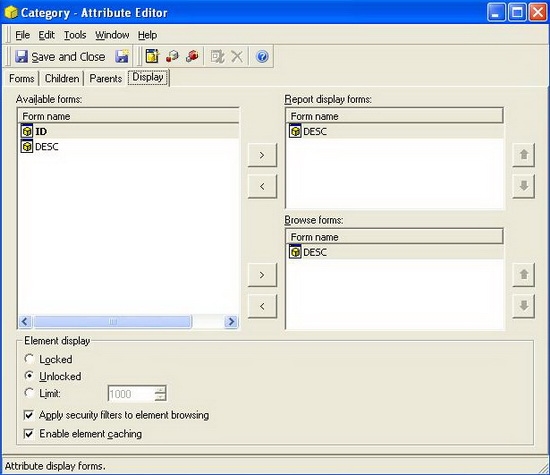
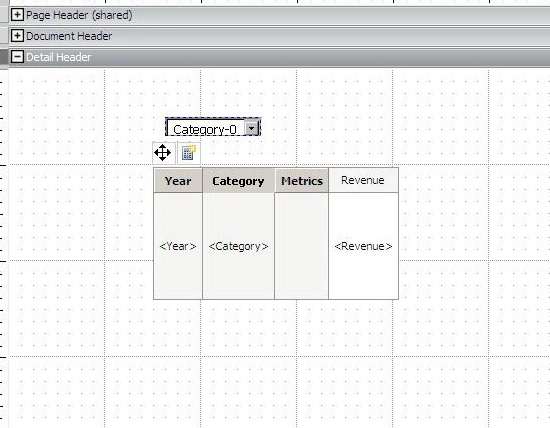
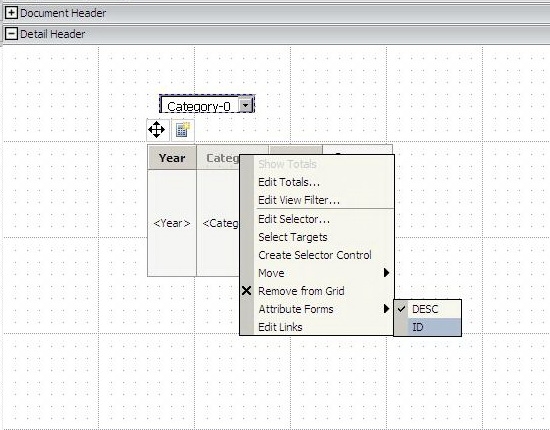
Follow the steps below to display the ID and DESC forms of an attribute on the grid but only the DESC form in the selector in the Strategy Tutorial Project.
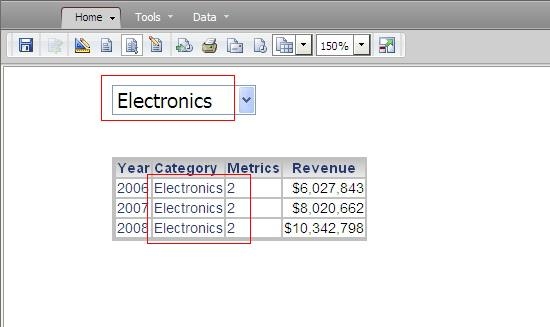
Notice that the selector only displays the DESC form while the grid displays both the ID and DESC forms.
Note: Create a duplicate attribute with the same definition and use the duplicate attribute to avoid the change of display forms merging to other grid reports.
