EducationSoftwareStrategy.com
StrategyCommunity

Knowledge Base

Product

Community

Knowledge Base

TopicsBrowse ArticlesDeveloper Zone

Product

Download SoftwareProduct DocumentationSecurity Hub

Education

Tutorial VideosSolution GalleryEducation courses

Community

GuidelinesGrandmastersEvents
x_social-icon_white.svglinkedin_social-icon_white.svg
Strategy logoCommunity

© Strategy Inc. All Rights Reserved.

LegalTerms of UsePrivacy Policy
  1. Home
  2. Topics

KB32000: How does the allow element import option in attribute qualification prompts work in MicroStrategy Web 9.0.0?


Community Admin

• Strategy


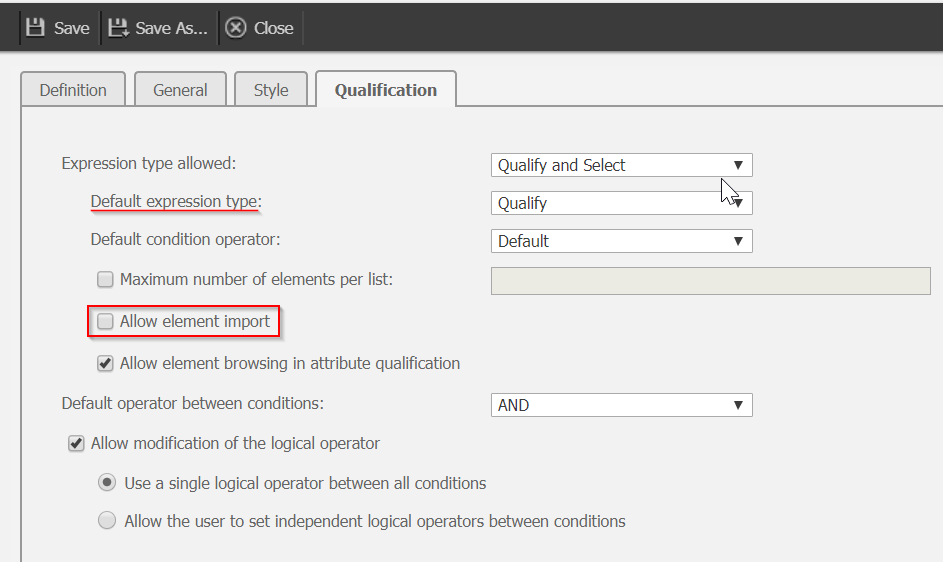
This article describes a new feature in MicroStrategy Web 9.0.0 that allows users to create prompts from the Web interface with an additional feature under the Qualification tab called ‘Allow element import’ for Qualification prompt filters.

A new feature in Strategy Web 9.0.0 allows users to create prompts from the Web interface.  Qualification prompt filters have an additional feature under the Qualification tab called ‘Allow element import’, like shown in the image below.
ka04W000000OfefQAC_0EM44000000A46b.png

 
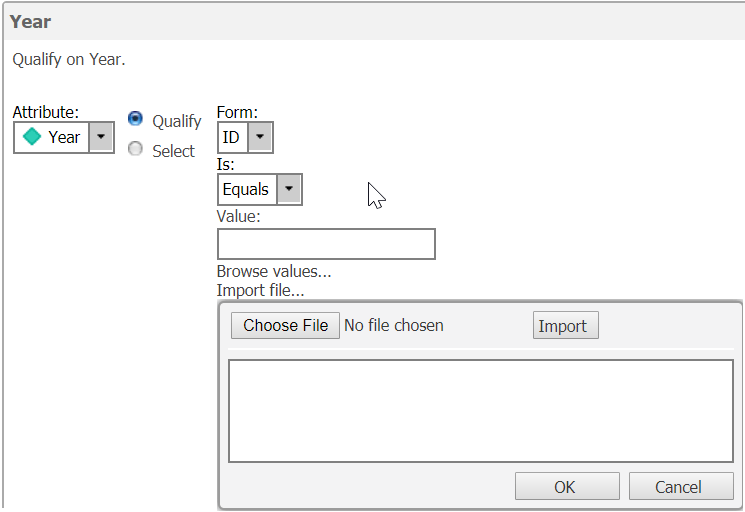
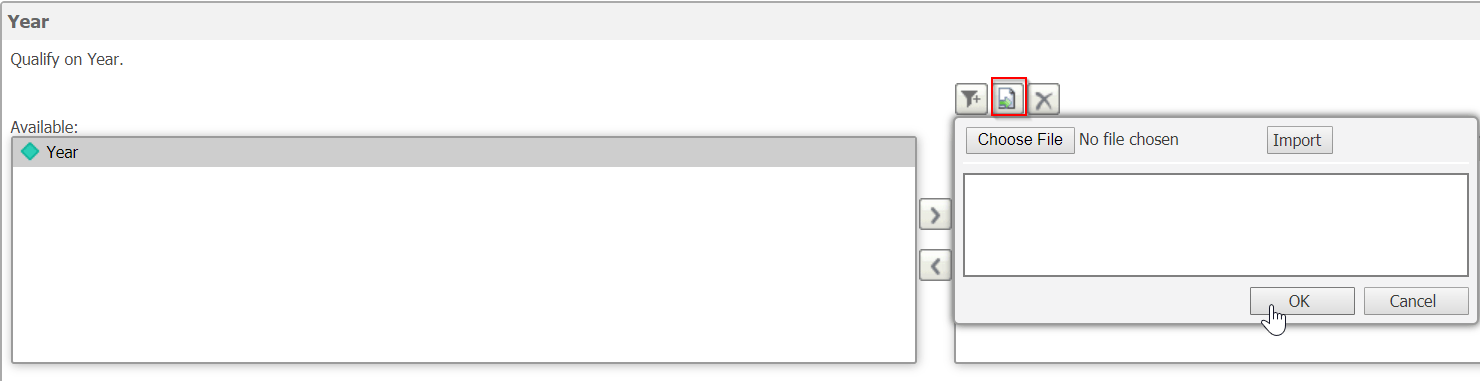
As long as the prompt style is not ‘Textbox’, enabling this feature will provide a link or button to prompt users to browse to the file to import.  Examples for each of the styles are shown in the images below:
Radio button style.
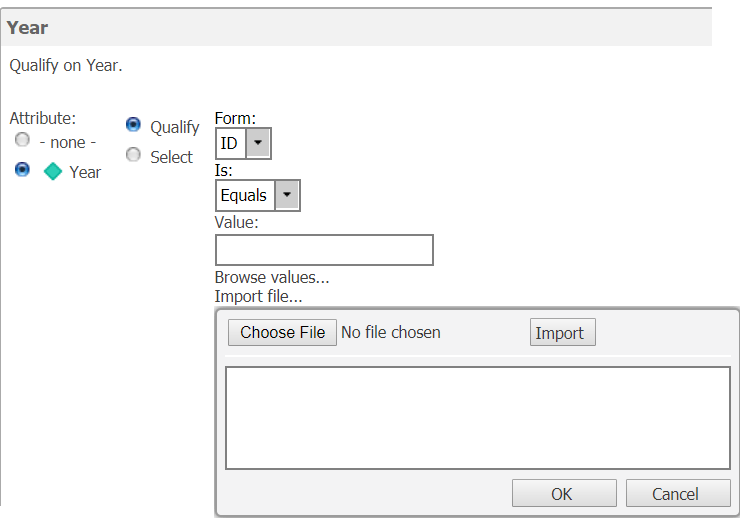
 

ka04W000000OfefQAC_0EM44000000A46g.png

 
List style.  This is the default style for prompts created in Strategy Developer.
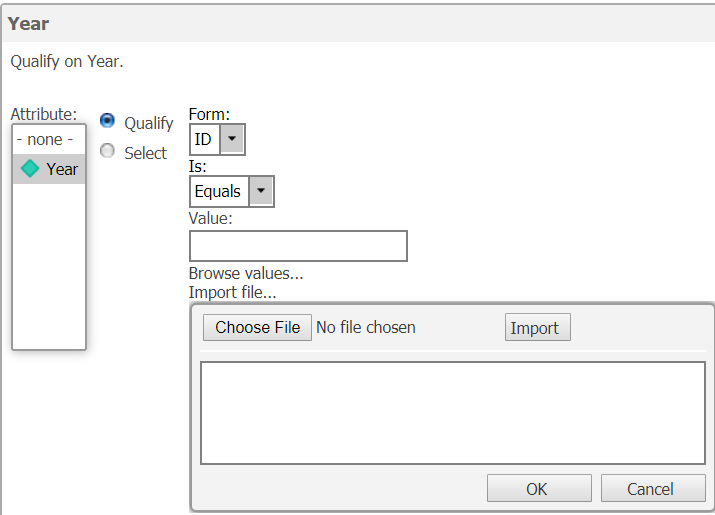
 

ka04W000000OfefQAC_0EM44000000A46l.png

 
Pull down style:
 

ka04W000000OfefQAC_0EM44000000A46q.png

 
Shopping cart style.  This is the default style for prompts created in Strategy Web 9.0.0: 
ka04W000000OfefQAC_0EM44000000A46v.png

 
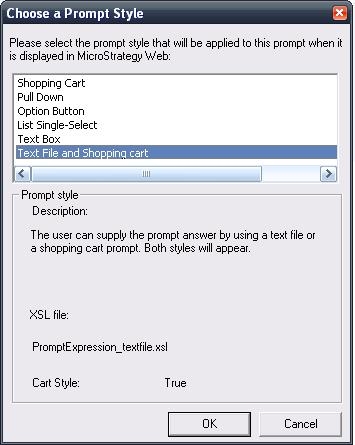
Prior to Strategy Web 9.0.0, the ‘allow element import’ feature used to be a whole new prompt style, like shown in the images below from Strategy Desktop and Web 8.1.x.
ka04W000000OfefQAC_0EM44000000288w.jpeg

Comment

0 comments

Details

Knowledge Article

Published:

August 16, 2017

Last Updated:

March 18, 2018