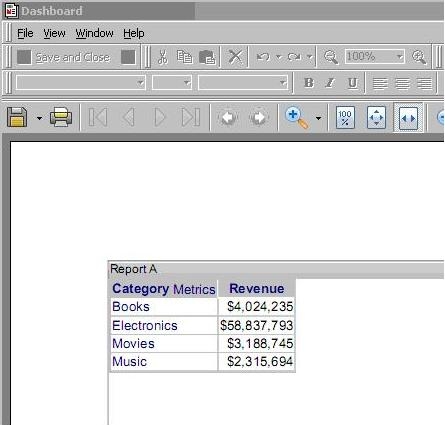
SYMPTOM:
When running a Dashboard in Strategy Developer 9.4.x-10.x the following error message appears:
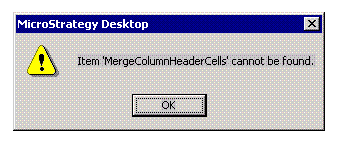
Item 'MergeColumnHeaderCells' cannot be found
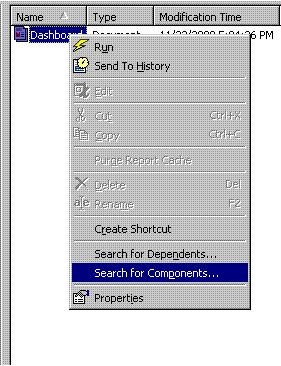
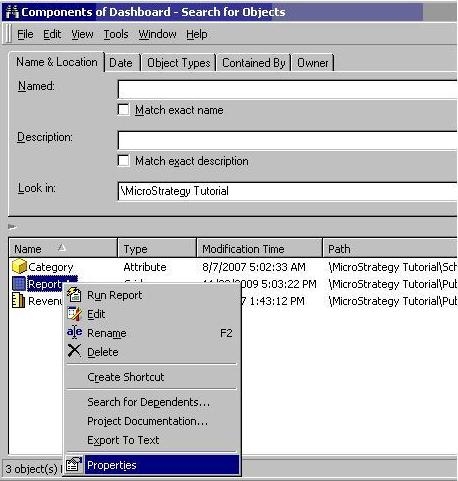
4) In this example the dashboard dataset name is "Report A":
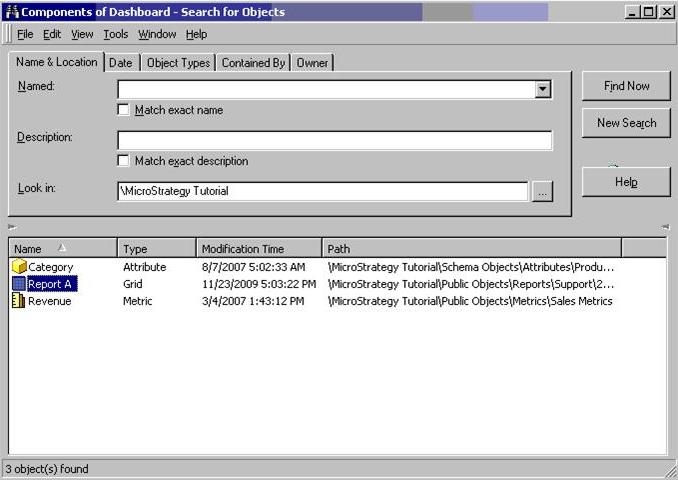
5) Right Click on the Report name and select the option "Properties":
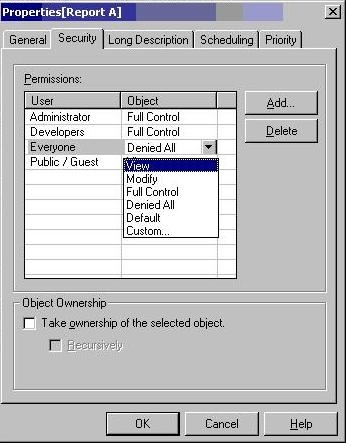
6) Select the tab "Security".
7) Add the user or group "Everyone" with "View" permission:
8) Save the change.
9) Logout.
10) Login with the referred user.
11) Run the affected dashboard: