SYMPTOM:
Sometimes, when users try to open Strategy Web with IIS as the application server, they get the following error as shown below:
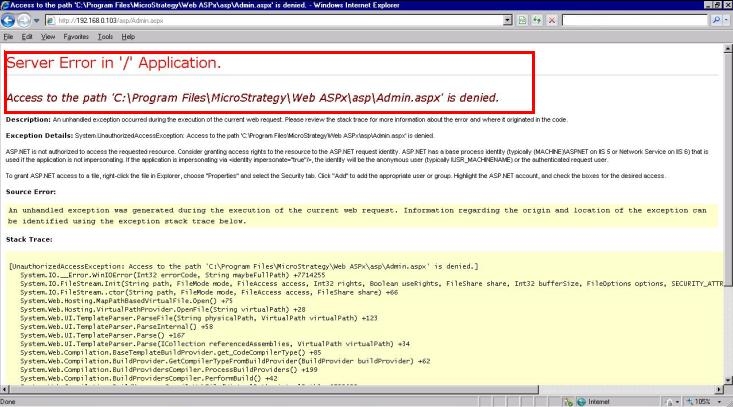
Sample Code/Error
Error in '/' Application
Access to path'C:\Program files\Strategy\Web ASPX\asp\admin.aspx' is denied.
When opening the IIS Manager in the Control Panel of Windows Operating System, the user notices that the "Strategy" virtual directory is not created in the web site list even though it is a fresh installation with default configuration.
CAUSE:
One of the possible cause is that the "Default Web Site" was deleted in IIS manager before the installation of Strategy components. "Strategy" virtual directory is created as a sub folder under "Default Web Site" during the installation. Therefore, if the "Default Web Site" is deleted before that, "Strategy" virtual directory will not be created, which prevents Strategy Web to work properly.
ACTION:
Create the "Default Web Site", then reinstall the Strategy package. Strategy Web will then be able to work properly.
