SYMPTOM:
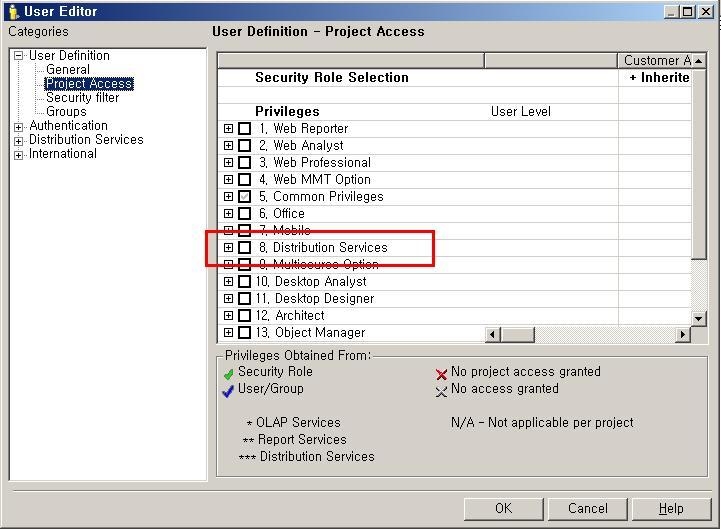
Even though the group which user belongs has no specific privilege, it is still checked in project access section of user editor, as shown below :
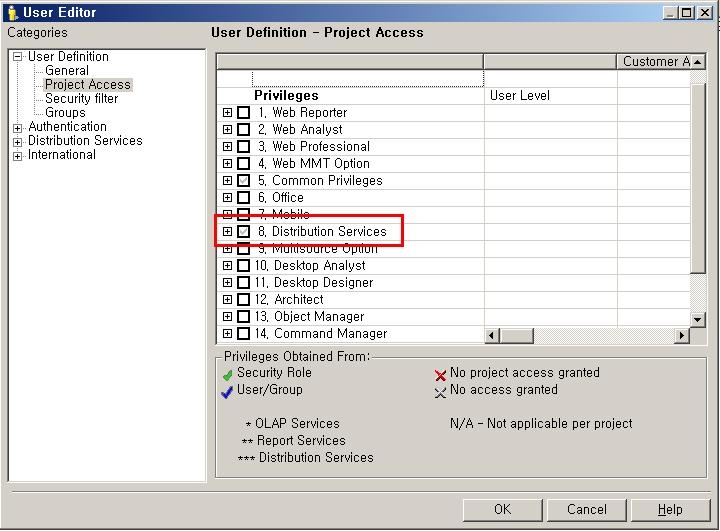
Although clicking the check-box on specific privileges for un-checking from project access section of user editor, the check-box is just in-activated and not un-checked as shown below :
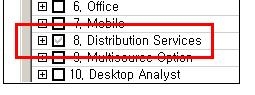
If clicking it again, the check-box is activated but not un-checked as shown below :
REPRODUCE
1) Create a new user group named ‘Test User Group’ on User manager
2) Create a new user account named ‘Test’ under the ‘Test User Group’ on User manager
3) Create a new security role named ‘New Security Role’ on Security Roles’ under the Configuration Managers.
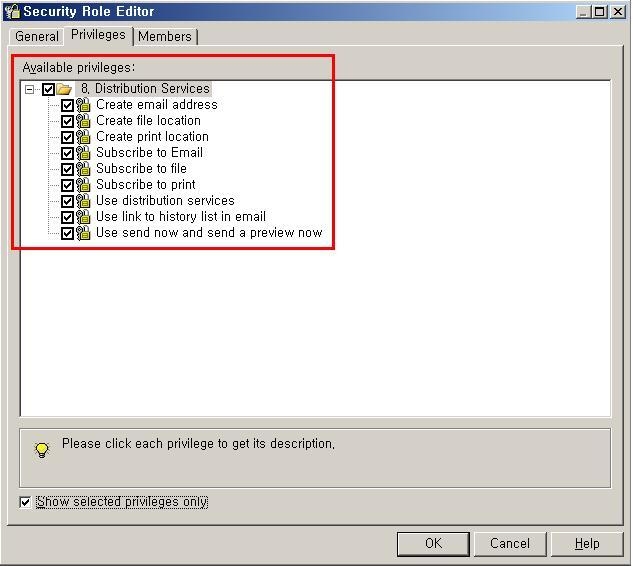
4) Put the ‘Distribution Services’ privilege to the New Security Role as shown below :
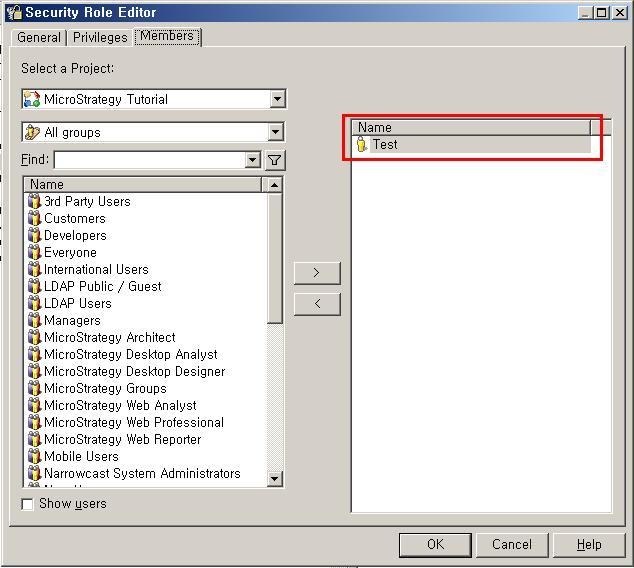
5) Add the ‘Test’ user account to ‘New Security Role’ as shown below :
CAUSE:
‘Strategy Developer User’ account is related with ‘Security Role’.
ACTION:
To remove, specific privileges, find the security role which has this user account as a member.
Or,
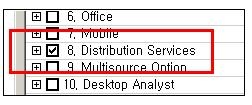
Then those privileges can be unchecked, as shown below :