SYMPTOM:
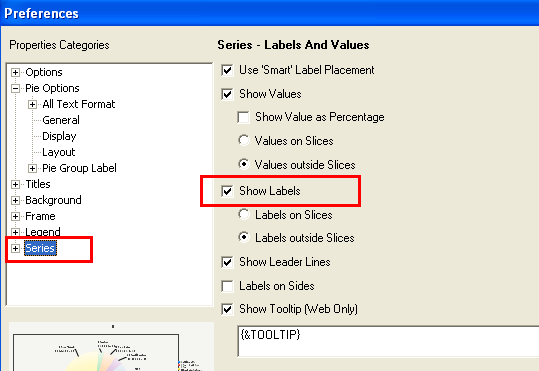
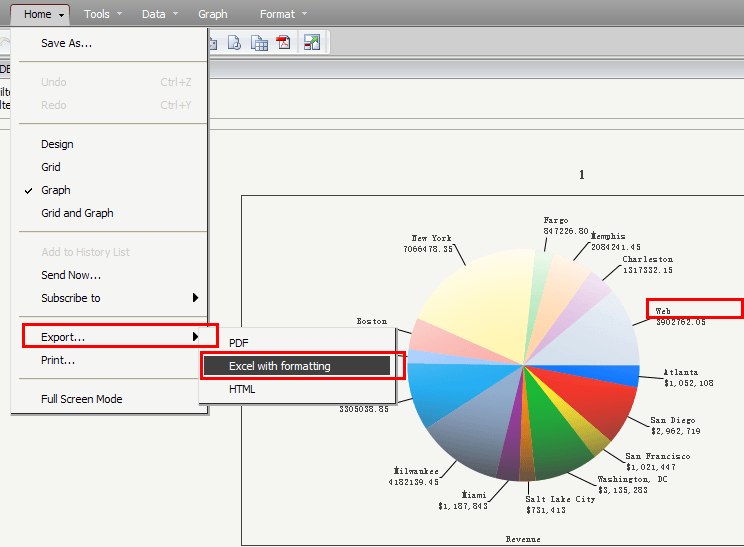
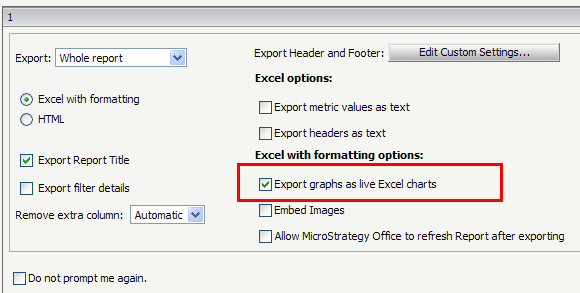
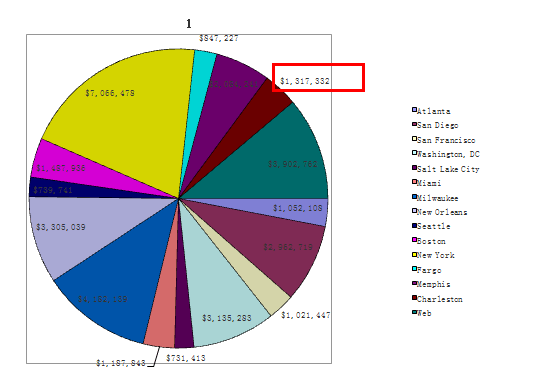
Create a pie chart graph, enable the data label option and then export the graph report as live Excel charts in Strategy Web 9.0.x, the data label disappears in the exported Excel charts.
STEPS TO REPRODUCE:
Follow the steps below to reproduce the issue with Strategy Tutorial project:
CAUSE:
It is a known issue in Strategy Web 9.0.x.
ACTION:
This issue has been fix confirmed in Strategy Web 9.0.2. Upgrade to 9.0.2 or higher to take advantage of the fix.
WORKAROUND:
Do not check "Export graphs as live Excel charts" in the Export Options page and export the graph report into a static Excel chart instead as a workaround for this issue.
