SYMPTOM:
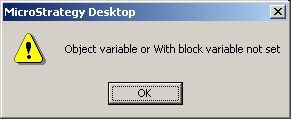
When a user attempts to open the Warehouse Catalog in Strategy Developer 9.x and 10.x, the following error occurs
Sample Code/Error
Object variable or With block variable not set
CAUSE:
One possible cause of the error is the warehouse catalog definition has an invalid reference to a missing DB login object.
ACTION:
Follow the steps below to resolve the issue
1. Connect to the project source through Strategy Developer then launch Architect from Schema menu options
2. Save and close Architect
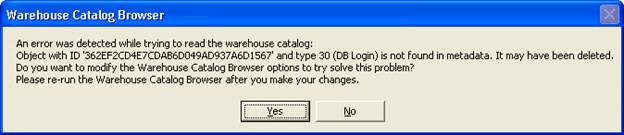
3. Open Warehouse Catalog again, the following error will occur, click Yes
Sample Code/Error
An error was detected while trying to read the warehouse catalog:
Object with ID 'xxxx' and type 30 (DB Login) is not found in metadata. It may have been deleted.
Do you want to modify the Warehouse Catalog Browser options to try solve this problem?
Please re-run the Warehouse Catalog Browser after you make your changes.
4. In Warehouse Catalog Options window, click OK. Save and close Warehouse Catalog
After performing these steps, the inconsistencies are removed. User will be able to launch Warehouse Catalog again.
