SUMMARY:
This technical note documents a behavior observed when, after assigning an empty drill map to a project with Command Manager, this does not take effect and the previous drill map continune being used.
SYMPTOM:
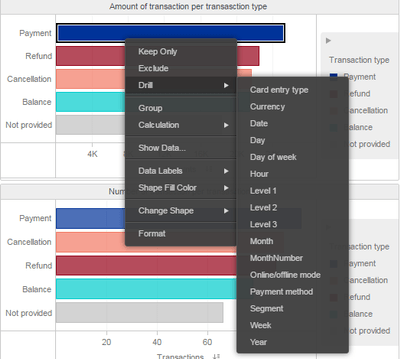
Assigning an empty drill map to a project with Strategy Command Manager 10.x will change the project configuration but the previous project drill map will continue to appear when drilling in reports.
STEPS TO REPRODUCE:
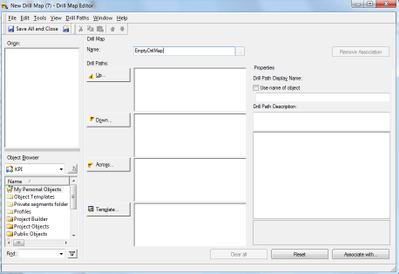
1. Create an empty drill map in Strategy Developer 10.x. Save and close.
2. In Command Manager run the following outline:
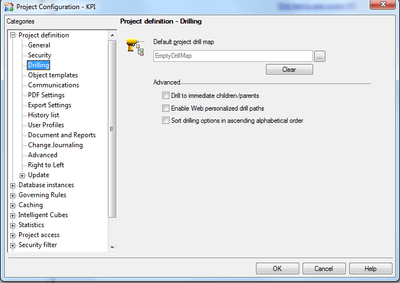
ALTER PROJECT CONFIGURATION PROJDRILLMAP "EmptyDrillMap" IN FOLDER "\Public Objects\Drill Maps" IN PROJECT "ProjectName";
4. Run any dashboard; the drill option is still enabled:
This issue does not occur when assigning the empty drill map directly through the Project Configuration in Strategy Developer.
CAUSE:
This is a known issue with Strategy Command Manager 10.x, which is currently under investigation.
ACTION:
Contact Strategy Technical Support for an update on the status of this issue.
WORKAROUND:
Assign the drill map to the project through the Project Configuration, under Project Definition > Drilling.
The Internal Reference Number for the issue described in this technical note is DE54203.
