SYMPTOM
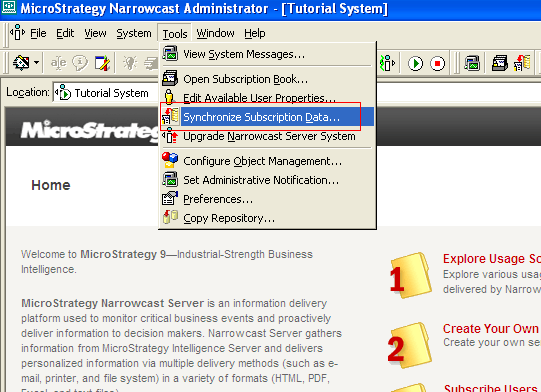
When trying to import Intelligence Server users into Narrowcast Server Subscription Book with Subscription Book Synchronization Wizard, drop down list doesn't appear when clicking on the cells in "Address Properties Mapping" section of "User and Address Properties" dialog, as shown below:

STEPS TO REPRODUCE

CAUSE
This is an identified defect in Strategy Narrowcast Server 9.4.x
ACTION
This issue was reviewed by our Technology team for feasibility and will not be scoped for a code fix in any upcoming Strategy release.
WORKAROUND
Adjust the column width in "Address Properties Mapping" section by drag the column border from right to left, as shown below:

Then the drop down list appears as expected when clicking on the cells, as shown below:

32630
